Apartment Intercom Systems: Units, Wiring and Monitor Selection
How to specify an apartment intercom system — unit count, riser wiring, door stations, indoor monitors, guard stations and the checks before a quotation.
In short
How to specify an apartment intercom system — unit count, riser wiring, door stations, indoor monitors, guard stations and the checks before a quotation. Reference points: TUYA TY76A-HM5-1B, TUYA TY75T-HTD2, MC-526R15U-10.
An apartment intercom is a small network with a simple job: a visitor calls an apartment, the resident answers, and the door opens. The difficulty is in the scale — dozens of units, one or more entrances, a riser that may or may not have usable cable, and a management office that wants records.
This guide follows the apartment project from the unit count to the monitor list.
Start with the unit count and the riser
The first two numbers are the number of apartments and the number of entrances. The third is the riser: what cable already exists between the entrance and the apartments?
Walk the building and record:
- Apartments per floor and floors per building.
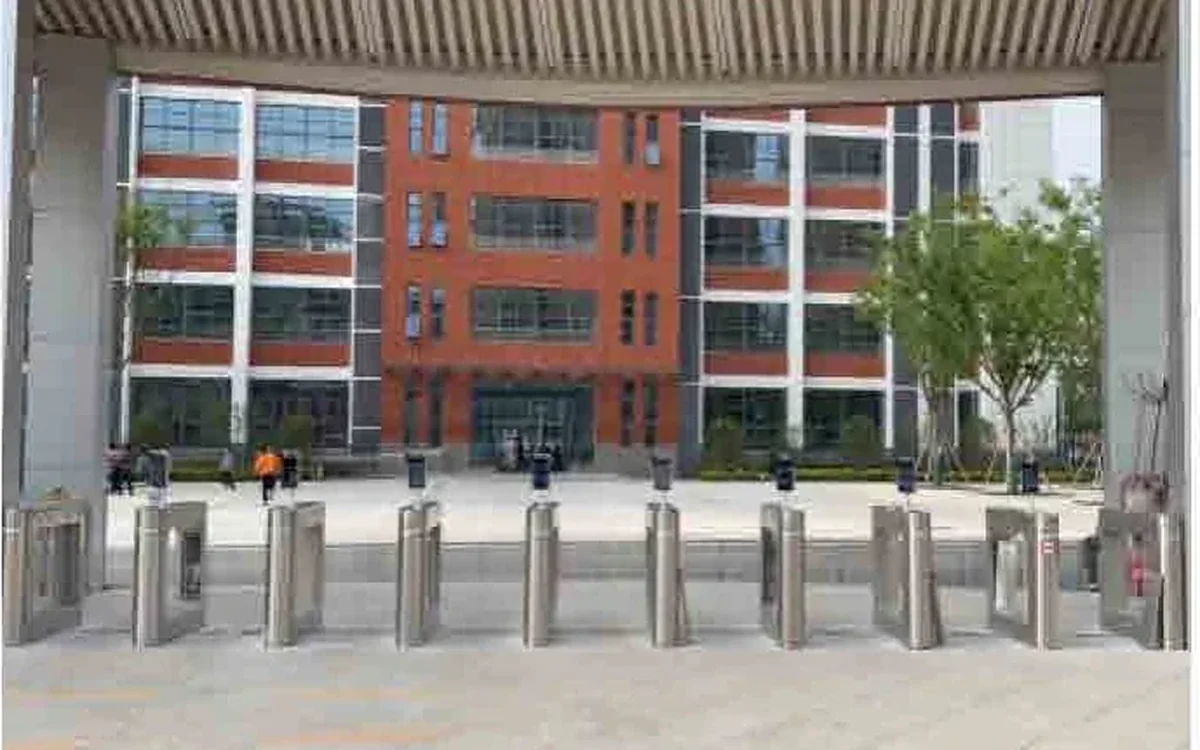
- Main entrance, side entrances, garage and unit doors.
- Existing cable type and condition in the riser.
- Power at the door station and at each apartment.
- Whether the building has a guard station or a management office.
These numbers decide whether a kit, a 2-wire system or an IP system is realistic.
Door station options
The door station is the visitor interface. Common options:
- Multi-apartment keypad or call panel. The visitor selects the apartment or enters a code.
- Single-button door station. Suitable for a villa or a small building with one apartment per floor.
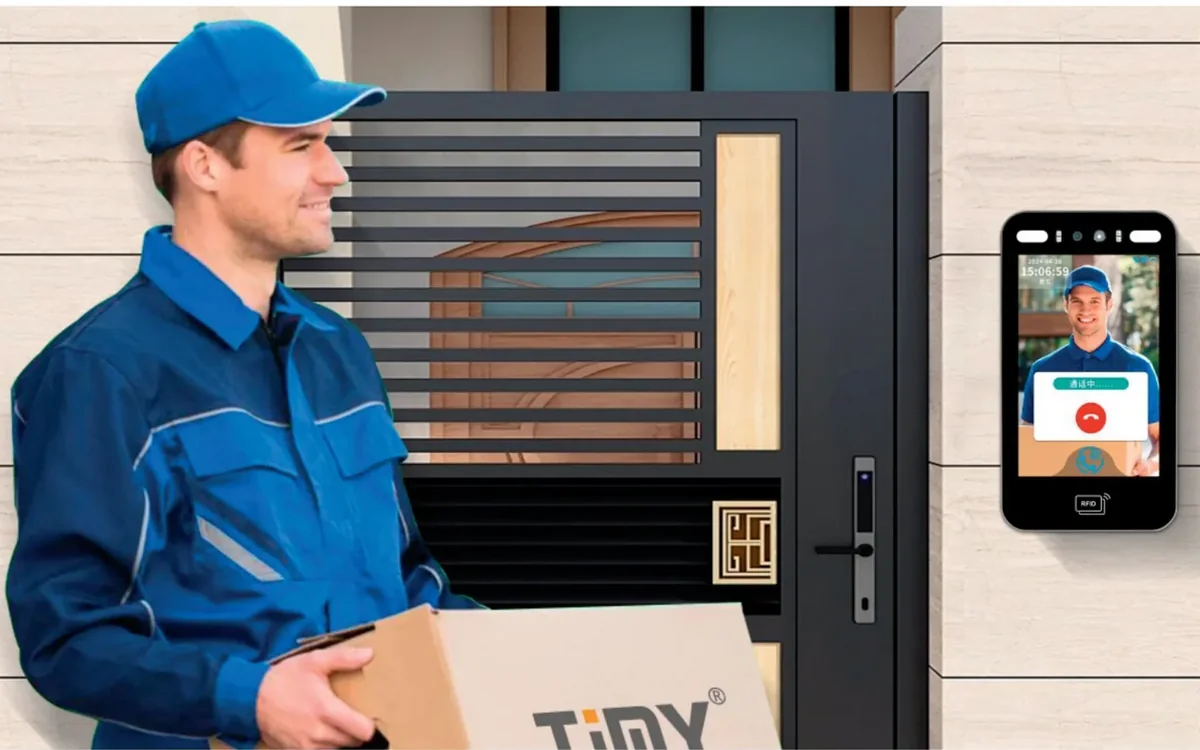
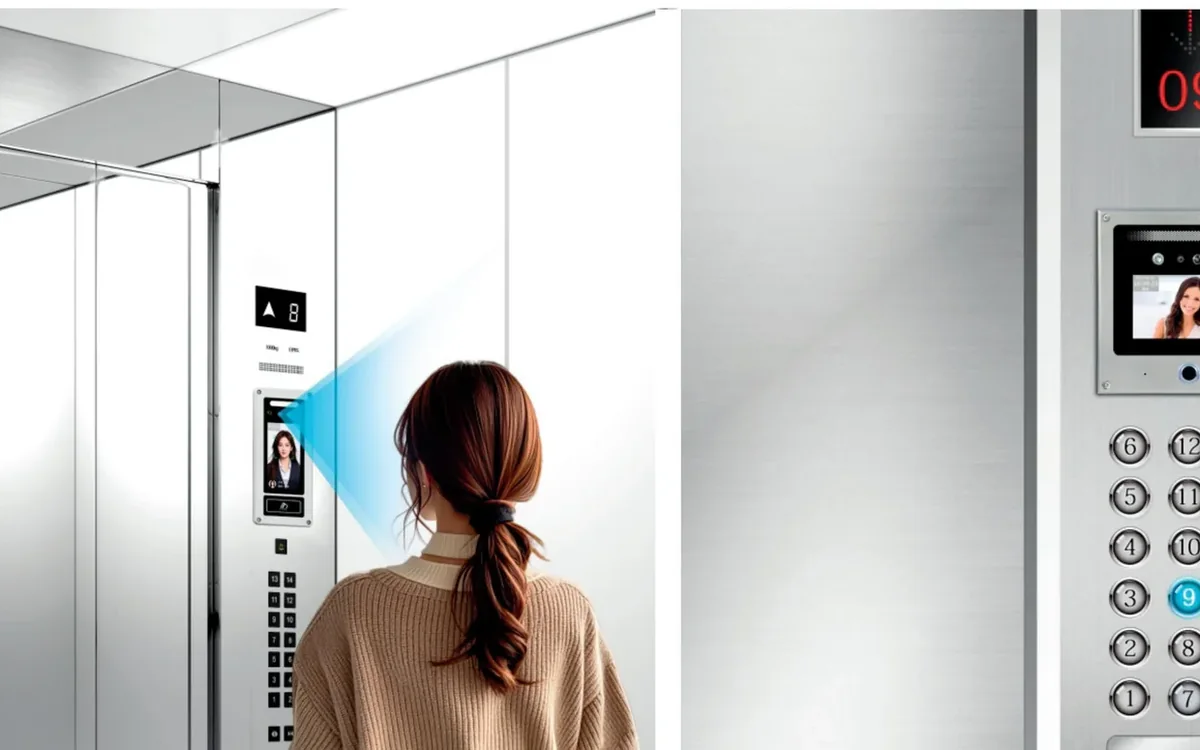
- Door station with face recognition or QR. Useful for residents and staff, but it adds cost and enrolment work.
The multi-apartment keypad door station is an example of the call-panel approach. For a smaller building, a 2-wire kit may be enough.
Indoor monitor options
The indoor monitor is what the resident uses every day. Check:
- Screen size and whether it is touch or button.
- Handset or hands-free.
- Monitor count per apartment.
- Wall mounting and power.
- Language and accessibility.
The 10-inch ultra-thin indoor monitor is one option. A larger monitor is not always better; the apartment layout and the viewing distance matter.
Wiring: 2-wire, 4-wire or IP
The riser decides the family:
- 2-wire. Reuses an existing pair, simple and cost-effective for retrofits.
- 4-wire/AHD. Common in existing analogue systems with more conductors.
- IP. Cat5e/Cat6 or fibre, better for long runs and multi-building sites.
Do not choose IP only because it is newer. In an occupied building, re-cabling the riser can cost more than the equipment. In a new building, IP gives more flexibility and easier integration.
Guard station and multi-building
A guard station adds:
- Visitor calls from the main entrance.
- Emergency calls from apartments.
- Building-wide announcements.
- A record of calls and door releases.
For a multi-building community, the guard station may need to see every building and every entrance. That is a different platform from a single-building kit. The residential community solution covers the zoning logic.
Common mistakes
- Choosing a kit by unit count alone, without checking the riser cable.
- Forgetting the guard station until the end of the project.
- Using a monitor that needs a local power point in every apartment.
- Promising app answering without a network gateway.
- Mixing two door station brands on one riser.
Comparison table
| Requirement | Kit | 2-wire system | IP system |
|---|---|---|---|
| Units | Small | Small to medium | Medium to large |
| Existing cable | Good for a single door | Best fit for a two-core riser | Needs Cat5e/Cat6 or fibre |
| Door stations | One | One or more | Multiple |
| Guard station | Limited | Possible | Best fit |
| App | Kit dependent | Gateway dependent | Platform dependent |
| Multi-building | No | Limited | Best fit |
Apartment project checklist
| Item | What to record |
|---|---|
| Units | Apartments per floor and total |
| Entrances | Main, side, garage and unit doors |
| Riser | Cable type, condition and route |
| Monitors | Count and location per apartment |
| Power | Door station and monitor points |
| Guard station | Required or not |
| Lock | Release type and voltage |
| App | Local, cloud or none |
Next steps
Send the floor plan, the unit count, the riser photos and the entrance locations. Compare the residential community solution and the villa solution. The video intercom category lists the door stations and monitors, the IP kit and the 7-inch IP door station are alternatives, and the model index covers the rest.
Contact our team or message us on WhatsApp with the project data. The product catalogue and the blog have related wiring and access control guides.
Frequently asked questions
How many indoor monitors can one apartment intercom support?
Can each apartment have its own door station?
Is 2-wire enough for a 100-unit building?
Do we need a guard station?
Can residents open the door from a phone?
What should be measured before quoting?
Put the article’s decision order to work on your project
Related products
 Video Intercom
TUYA TY76A-HM5-1B
Multi-Apartment Keypad Door Station
Keypad entry, card unlocking and a 7-inch indoor monitor for multi-unit entrances.
View details Video Intercom
TUYA TY75T-HTD2
2-Wire Video Intercom Kit
Reuse two-core cable to add video entry without pulling new network cable.
View details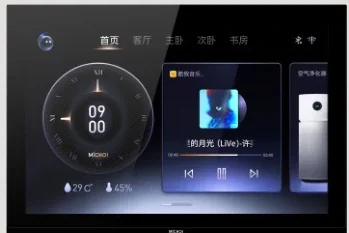 Video Intercom
MC-526R15U-10
10-Inch Ultra-Thin Indoor Monitor
A 10-inch wall-mounted monitor with video entry, smart-home options and a 12 mm profile.
View details