
Residential Communities Access Control & Video Intercom
Residential access is about daily repetition: the same residents, the same doors, hundreds of times a day. Reliability, low maintenance and a familiar interface matter more than feature count.
- 4 site challenges
- 6 recommended products
- 5 deployment checks
In short
Typical configuration: CD-Z358, SW-HA-8EZI, TUYA TY75T-HTD2 for Residential Communities. The reference design has 4 access layers and 5 deployment checks; final device counts, cable lengths and power are confirmed from the door list.
What makes access control at this site difficult.
Residents of all ages
Children, elderly residents and domestic helpers may not carry a phone. Cards, faces and a simple indoor monitor still matter.
Delivery and service workers
Couriers need a fast, temporary way in without a permanent credential. QR passes and intercom calls reduce friction at the gate.
Retrofit wiring
Older buildings may have only two wires to the unit. Re-cabling every apartment is often unacceptable.
Property management turnover
The system must be easy to hand over, with clear roles and records that survive staff changes.
Four access control layers, from entrance to platform.
Community gate
Face terminals and card readers on pedestrian lanes; UHF or card for vehicles. A visitor lane uses QR passes issued at the gatehouse.
Unit door intercom
IP or two-wire video intercom, depending on the existing cable. Residents answer on the indoor monitor or app; couriers call from the door station.
Apartment locks
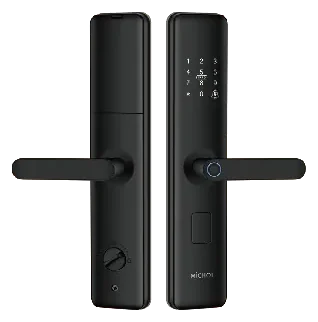
Smart locks for units that need keyless entry, with mechanical key backup and low-battery warning.
Management platform
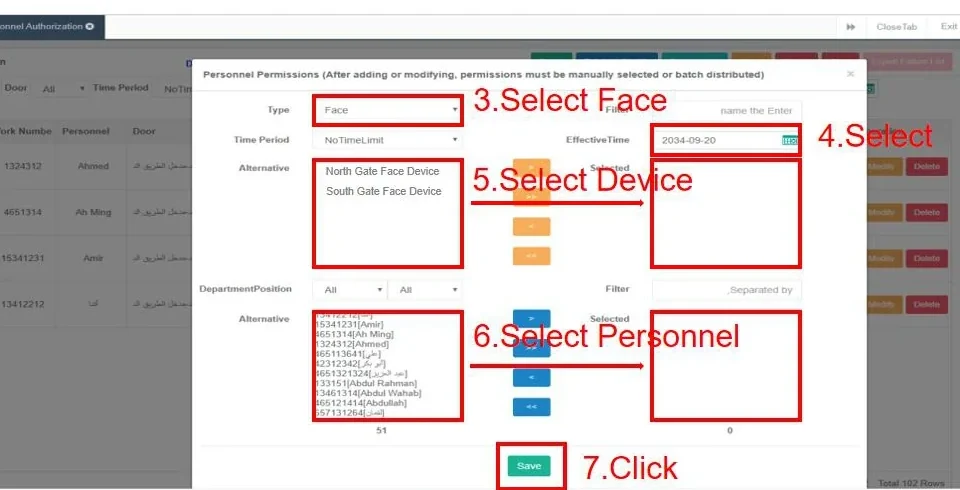
The property team issues cards, QR passes and permissions, and exports entry records when needed. Roles separate the manager from the guard.
Challenges, architecture and product roles.
Site challenges and design responses
| Site challenge | Design response |
|---|---|
| Residents of all ages | Children, elderly residents and domestic helpers may not carry a phone. Cards, faces and a simple indoor monitor still matter. |
| Delivery and service workers | Couriers need a fast, temporary way in without a permanent credential. QR passes and intercom calls reduce friction at the gate. |
| Retrofit wiring | Older buildings may have only two wires to the unit. Re-cabling every apartment is often unacceptable. |
| Property management turnover | The system must be easy to hand over, with clear roles and records that survive staff changes. |
Reference architecture by layer
| Layer | What it covers |
|---|---|
| Community gate | Face terminals and card readers on pedestrian lanes; UHF or card for vehicles. A visitor lane uses QR passes issued at the gatehouse. |
| Unit door intercom | IP or two-wire video intercom, depending on the existing cable. Residents answer on the indoor monitor or app; couriers call from the door station. |
| Apartment locks | Smart locks for units that need keyless entry, with mechanical key backup and low-battery warning. |
| Management platform | The property team issues cards, QR passes and permissions, and exports entry records when needed. Roles separate the manager from the guard. |
Recommended products and roles
| Model | Category | Role in the design |
|---|---|---|
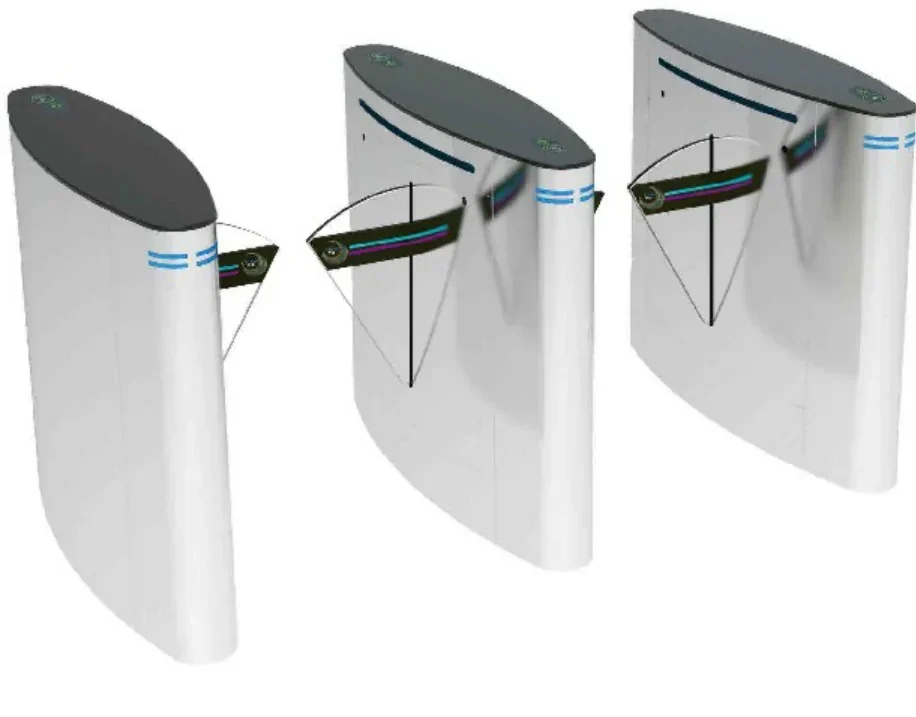
| CD-Z358 | Turnstiles & Barriers | A three-lane speed gate in 304 stainless steel for high-traffic lobbies. |
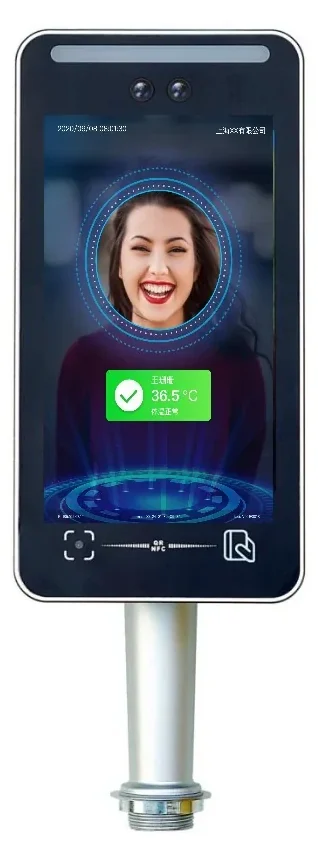
| SW-HA-8EZI | Face Recognition Terminals | Face, QR code, card and ID verification in one 8-inch terminal. |
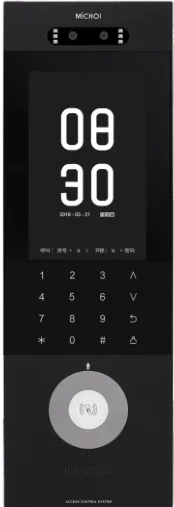
| TUYA TY75T-HTD2 | Video Intercom | Reuse two-core cable to add video entry without pulling new network cable. |
| MC-516R15IPD2-7 | Video Intercom | A Red Dot 2020 design door station combining video entry, face access and app unlocking. |
| MC-S603LH3 | Smart Locks & Hotel | Fingerprint, password, card and key access with a C-grade brass cylinder. |
| AskFaceBS | Management Software | Manage devices, people, permissions and records from a browser on the local network. |
The combination this design usually uses.

Settle these six points before ordering.
A checklist is not decoration. It is the cheapest way to reduce site changes.
- Check the existing cable to each unit before choosing IP or 2-wire.
- Agree the visitor and courier policy with the property team.
- Plan card and QR issuing for new residents and tenants.
- Confirm the intercom call routing and guardhouse backup.
- Provide a simple user guide for elderly residents.
Frequently asked questions
Should we choose IP or 2-wire video intercom?
Can couriers call a resident without a card?
How do we manage residents who move out?
Can the gate work during a power failure?
Do smart locks work with the intercom?
Still have a question? Contact
Configure this design for your residential communities site.
Share the floor plan, door list, site photos and existing platform model. We will reply within one business day with a configuration and the open questions.
- Sales & quotation: sale@accesscontrolintercomsystem.com
- Typical reply: within one business day
- English / Chinese technical support
Residential Communities project inquiry
Share the site type, number of doors or apartments, and the functions you need. We will reply with a recommended configuration and a quotation.
Compare another application.
Different sites have different lane logic, wiring constraints and platform interfaces — and different designs.