Video Door Phone vs Video Intercom: Differences & Selection
Video door phone and video intercom are often used as synonyms, but they describe different scopes. Compare door stations, indoor monitors, wiring and the right choice for apartments, villas and offices.
In short
Video door phone and video intercom are often used as synonyms, but they describe different scopes. Reference points: AHD A72T-HTD2, IP TY101T-HTD2, TUYA TY75T-HTD2.
The two phrases are used interchangeably in search, but they do not always mean the same thing. A video door phone can be a consumer doorbell with a phone app. A video intercom is a building system with door stations, indoor monitors, call routing and door release.
For a project, the name matters less than the device list. This guide explains the difference and the selection checks.
The naming problem
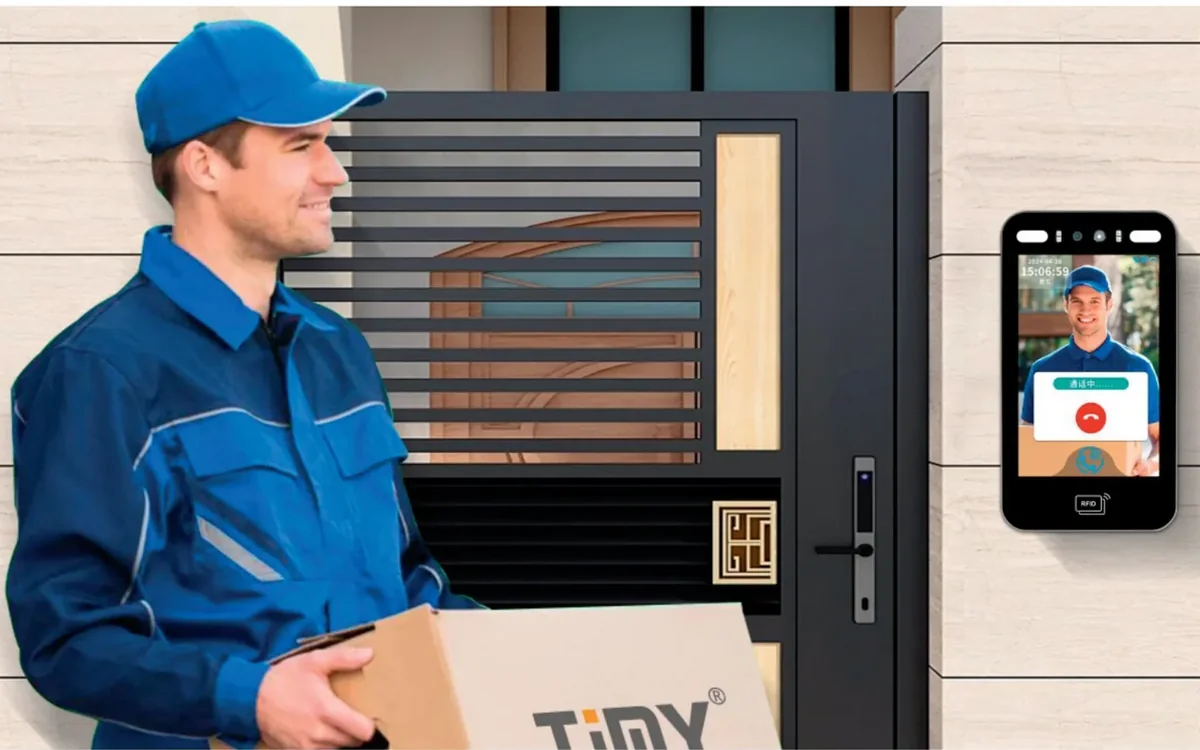
“Video door phone” is common in retail and in some markets. It often describes a door station with a small screen or an app, sold for a house or a small office. “Video intercom” is the broader term for a system that connects one or more entrances to one or more indoor stations.
If a quotation says “video door phone” but the project has 80 apartments, a guard station and a lift interface, the scope is probably wrong. Ask for the device list: door stations, monitors, gateways, power and software.
What a video door phone is
A video door phone usually includes:
- A door station with a camera and a call button.
- An indoor monitor or a phone app.
- A local power supply.
- A lock release output.
It is a good fit for a villa, a small office or a single entrance. The AHD video intercom kit is one example of a complete kit; the 2-wire kit is another for existing cable.
What a video intercom system adds
A video intercom system adds call routing and scale:
- Multiple door stations and multiple indoor monitors.
- Apartment-to-door and guard-to-door calls.
- A guard station or a concierge station.
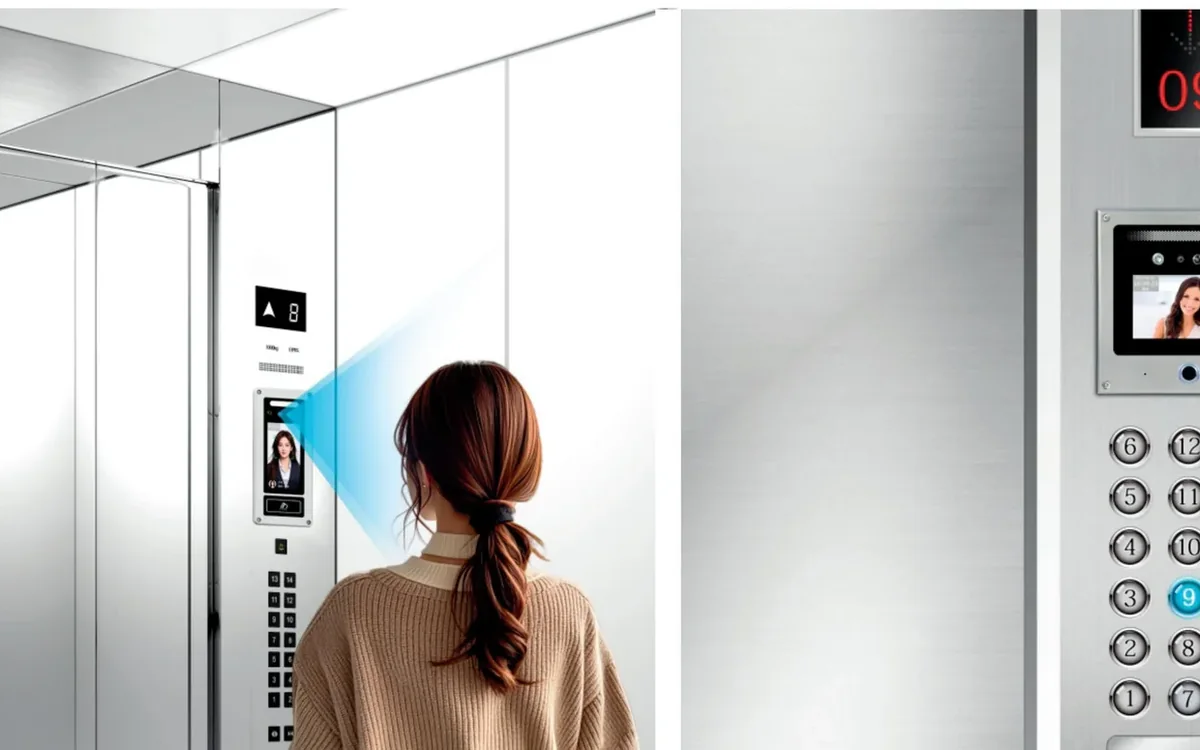
- Lift control or access control integration.
- A management platform and records.
It is the right fit for an apartment building, a campus, a hotel or a multi-building site. The IP video intercom kit and the multi-apartment door station show the difference in scope.
Apartment vs villa vs office
Apartment building. Count the units, the entrances and the guard station. The riser wiring and the monitor count decide the topology. A multi-apartment door station with a call panel and a 2-wire or IP riser is common.
Villa. Count the gates and the indoor locations. A villa kit with one or two door stations is usually enough. If the gate is far from the house, check the cable or Wi-Fi path.
Office. The entrance may need a reception station, a door release and integration with access control. A video intercom can be part of the access control system rather than a separate kit.
Wiring and power
The wiring is the same decision as any intercom:
- 2-wire reuses an existing pair and suits retrofit apartments.
- 4-wire/AHD uses more conductors and is common in existing analogue systems.
- IP uses Cat5e/Cat6 and suits new buildings and long distances.
The door station needs power. A consumer doorbell may use a battery or a low-voltage adapter; a building door station usually needs a local supply and a lock release. Confirm the power before choosing the product.
Comparison table
| Requirement | Video door phone | Video intercom system |
|---|---|---|
| Typical use | Villa, small office, one door | Apartment building, campus, hotel |
| Door stations | One, sometimes two | Multiple |
| Indoor monitors | One or a few | Many, plus guard station |
| Call routing | Direct | Apartment, guard and group calls |
| Wiring | Local or Wi-Fi | 2-wire, 4-wire or IP riser |
| Access control | Basic relay | Lift, gate and platform integration |
| Best for | Simple entrance | Multi-unit building |
Selection checklist
| Item | What to record |
|---|---|
| Entrances | Count and locations |
| Units | Apartments, offices or rooms |
| Monitors | Count and locations |
| Guard station | Required or not |
| Wiring | Existing cable or new cable |
| Power | Door station and monitor |
| Lock | Release type and voltage |
| App | Local, cloud or none |
Next steps
Send the entrance photos, the unit count and the existing cable. Compare the residential community solution and the villa solution for the layout. The video intercom category lists the kits and monitors, the 10-inch indoor monitor is one endpoint option, and the model index covers the rest.
Contact our team or message us on WhatsApp with the project data. The product catalogue and the blog have related wiring and access control guides.
Frequently asked questions
Is a video door phone the same as a video intercom?
Can a video door phone open a door?
Do I need a monitor if I have an app?
Which system suits an apartment building?
Which system suits a villa?
What should be confirmed before ordering?
Put the article’s decision order to work on your project
Related products
 Video Intercom
AHD A72T-HTD2
AHD Video Intercom Kit
A cost-effective 7-inch kit with AHD video and simple four-wire installation.
View details Video Intercom
IP TY101T-HTD2
IP Video Intercom Kit
IP door entry for large residential complexes, long cable runs and high video quality.
View details Video Intercom
TUYA TY75T-HTD2
2-Wire Video Intercom Kit
Reuse two-core cable to add video entry without pulling new network cable.
View details