
Video Intercom System
A video intercom links a door station, an indoor monitor and a door release. Choose the topology from the cable that already exists: two-core cable points to a 2-wire kit, four-core cable to 4-wire or AHD, and network cable to IP.
- IP / 2-wire / 4-wire / AHD
- 7–10 inch monitors
- Door release
- App options on supported kits
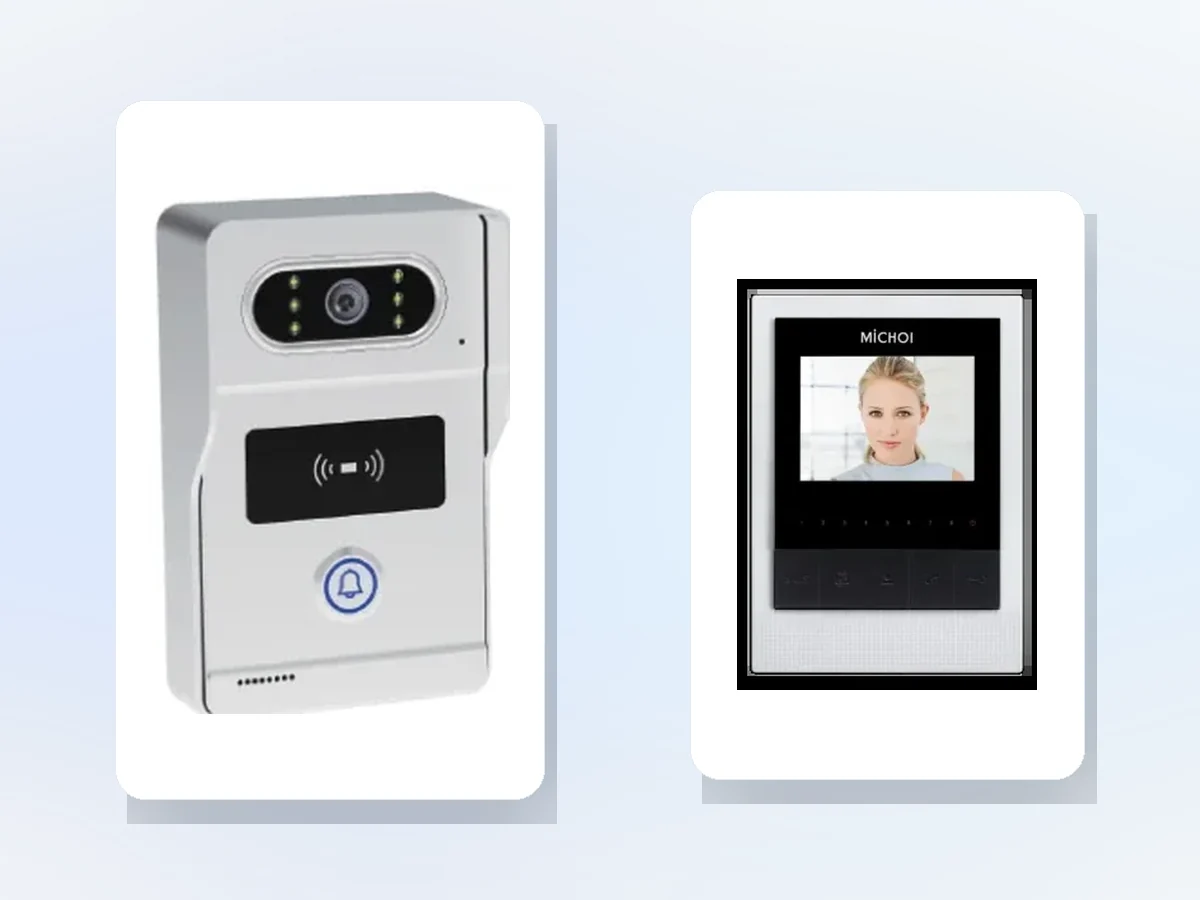
Which video intercom topology should we choose?
Start with the cable. Existing two-core cable points to a 2-wire kit; four-core cable to 4-wire or AHD; network cable to IP. Then check the number of apartments, monitor count, door-release type and whether residents need app answering. Not every kit supports a phone app or more than one monitor.
- Existing cable decides the topology
- Confirm maximum monitors per door station
- Check app and cloud support before promising it
- Match the door release to the lock type
Which video intercom kit fits this building?
The first table maps the building condition to a system type. The second compares the models used on this page. The third lists the checks that decide whether the kit will work on site.
Selection table — start from the existing cable
| Building condition | Recommended system |
|---|---|
| Existing two-core cable | 2-wire kit, RVV2, up to 150 m |
| Existing four-core cable | 4-wire or AHD kit, up to 150 m |
| Network cable or new build | IP system with PoE and app/platform options |
| Multi-building or long distance | IP system with a network backbone |
| Single villa gate | 2-wire or 4-wire villa kit with a 7–10 inch monitor |
Video intercom models in this range
| Model | Type | Key specification | Power / wiring | Best for |
|---|---|---|---|---|
| IP TY101T-HTD2 | IP video intercom kit | 2 MP AHD camera; 120°; 1080P | PoE or indoor supply; network cable | New buildings with network |
| TUYA TY75T-HTD2 | 2-wire video intercom kit | 7-inch IPS; 1024 × 600; RVV2 up to 150 m | Indoor AC supply; two-core cable | Existing two-core retrofit |
| MC-516R15IPD2-7 | IP door station | 7-inch; face, card, app; elevator control | DC 12 V; network | Apartment or office entrance |
| MC-526R15U-10 | 10-inch indoor monitor | 10-inch; Wi-Fi; ZigBee/KNX options | DC 12 V | Apartment and villa monitors |
Design checks before the quotation
| Design item | Typical setting | Why it matters |
|---|---|---|
| Topology | IP, 2-wire, 4-wire or AHD | The existing cable decides what can be reused |
| Cable | Cat5e+ for IP; RVV2/RVV4 for 2/4-wire | Wrong cable limits distance and video quality |
| Distance | Up to 150 m for many kits; confirm the actual route | Voltage drop and signal loss decide the kit |
| Power | PoE, indoor supply or local DC 12 V | Power at the door and at each monitor must be planned |
| Door station height | 1.4–1.5 m to the camera | Visitors and face recognition need a usable angle |
| Camera | 2 MP colour with 120° lens | Wide view helps identify visitors and parcels |
| Monitor | 7–10 inch; touch or keypad | Screen size and UI affect installation and use |
| Monitor count | Per kit maximum; confirm before ordering | Exceeding the limit requires another topology |
| Unlock signal | Relay or voltage signal; match the lock | Wrong signal can damage the lock or the monitor |
| Lock type | Fail-safe or fail-secure; strike or maglock | Affects egress and fire behaviour |
| App / cloud | Only on kits with a gateway and app support | Not every kit supports phone answering |
| Elevator | Compatible lift controller interface | Lift call needs a documented interface |
| Network | PoE switch or VLAN for IP systems | Separates intercom traffic from office data |
| Outdoor protection | Canopy and drip loop; avoid direct sun | Water and backlight are the main outdoor faults |
| Commissioning | Day/night video, audio, unlock, app and monitor count | Catches cable, power and configuration faults |
Door stations, kits and indoor monitors
Open a model page for the full specification. Confirm the kit maximum, monitor count and lock release before comparing prices.
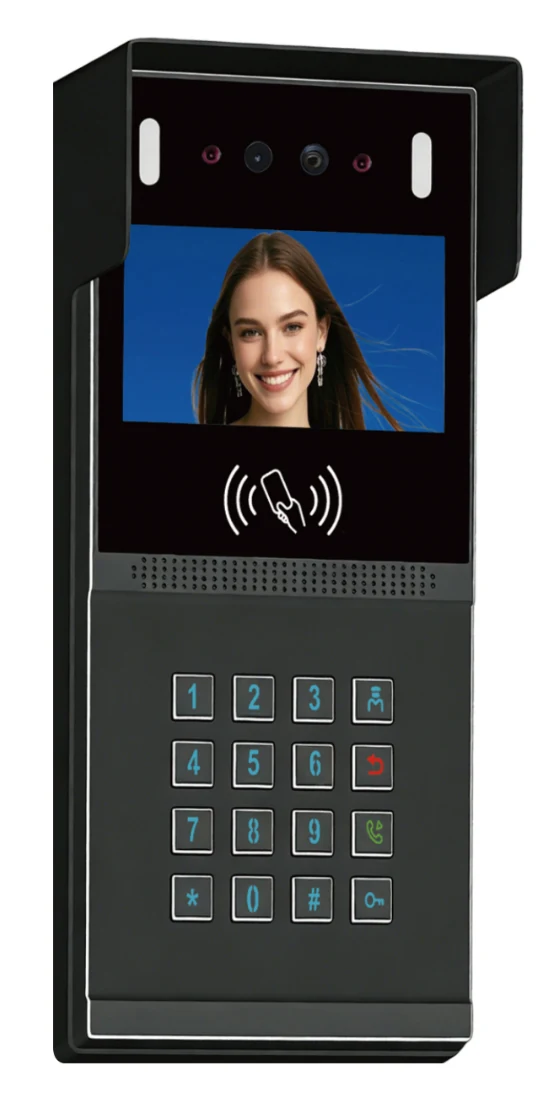


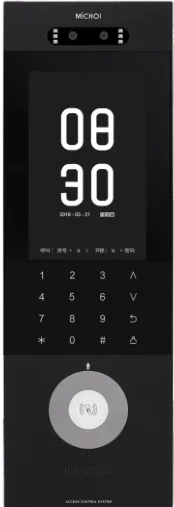
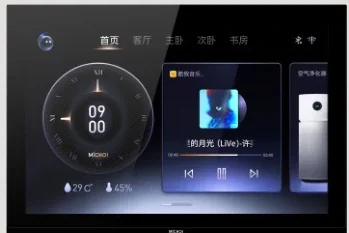
What can this system do, and what still needs confirmation?
The cable and the kit maximum decide most of the design. Confirm the monitor count and app support before promising features to residents.
What it can do
- Use existing two-core cable with a 2-wire kit
- Use network cable and PoE for IP systems
- Connect indoor monitors and a door release
- Support app answering on kits with a gateway
- Support elevator call where the lift interface is compatible
What it cannot do / needs confirmation
- Reuse indoor monitors across brands without a compatible adapter
- Guarantee Wi-Fi through concrete risers without a site test
- Provide building network, power points or civil works
- Exceed the kit maximum monitor count
- Guarantee lift call without the lift controller model and protocol
Send the existing cable type, distance, number of apartments, monitor locations and photos of the door and riser. We will confirm the topology and the kit maximum.
Video intercom questions buyers ask before ordering.
The answers follow the IP, 2-wire, 4-wire and AHD logic used on this page.
Should we choose IP, 2-wire, 4-wire or AHD?
What is the maximum cable length?
Can residents answer on a phone?
Can one door station serve several apartments?
Can we keep the existing indoor monitors?
How many monitors can one door station support?
Still have a question? Contact
Send the cable type and unit count. We will return a kit and monitor list.
Include the building type, number of apartments or doors, existing cable, maximum distance, monitor locations and whether residents need app answering.
- Door list / unit list
- Existing cable, cards and controller
- Site photos and timeline
Project inquiry
Share the site type, number of doors or apartments, and the functions you need. We will reply with a recommended configuration and a quotation.
Continue with the video intercom path
Apartment intercom systems
Units, riser cable, monitors and guard stations.
OpenBuilding intercom systems
Villa, apartment and nurse-call layouts.
OpenVideo intercom products
IP, 2-wire, AHD kits and monitors.
Open2-wire vs IP video intercom
A practical comparison for retrofit and new build.
OpenResidential community solutions
Entrances, apartments, parking and management.
Open