
Campuses Access Control & Video Intercom
A campus has several different access problems: a high-volume gate in the morning, dormitory return checks at night, and classroom or library attendance during the day. The system should share one identity record while letting each location use the right reader.
- 4 site challenges
- 5 recommended products
- 5 deployment checks
In short
Typical configuration: CD-Z158, SW-HA-8ZI, TFS28 for Campuses. The reference design has 4 access layers and 5 deployment checks; final device counts, cable lengths and power are confirmed from the door list.
What makes access control at this site difficult.
Thousands of students at the same time
The gate must handle a short, intense peak without queues spilling onto the road. Lane count and reader speed matter more than fancy features.
Dormitory return checks
Boarding schools need a reliable record of who has returned, with exceptions for leave and late arrivals.
Visitors and parents
Parents, delivery staff and inspectors arrive without campus cards. Reception needs a fast temporary pass that expires at the end of the visit.
Different policies per building
The library, laboratory and dormitory should not share the same access level. Permissions need to follow the student’s enrolment and timetable.
Four access control layers, from entrance to platform.
Main gate
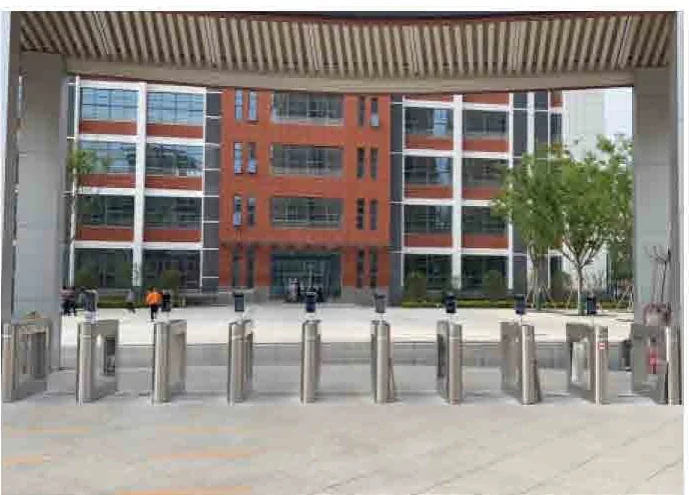
Speed gates, swing barriers or tripod turnstiles with face and card terminals. A visitor lane is staffed at peak times and uses QR passes at other times.
Dormitory entrances
Face or card terminals at each dormitory lobby, with return-time rules and exception handling in the platform.
Library and classrooms
Attendance terminals or readers at room doors, using the same student identity but separate access levels.
Central platform
One platform holds student records, permissions and records. Data export supports the school’s attendance and safety reporting.
Challenges, architecture and product roles.
Site challenges and design responses
| Site challenge | Design response |
|---|---|
| Thousands of students at the same time | The gate must handle a short, intense peak without queues spilling onto the road. Lane count and reader speed matter more than fancy features. |
| Dormitory return checks | Boarding schools need a reliable record of who has returned, with exceptions for leave and late arrivals. |
| Visitors and parents | Parents, delivery staff and inspectors arrive without campus cards. Reception needs a fast temporary pass that expires at the end of the visit. |
| Different policies per building | The library, laboratory and dormitory should not share the same access level. Permissions need to follow the student’s enrolment and timetable. |
Reference architecture by layer
| Layer | What it covers |
|---|---|
| Main gate | Speed gates, swing barriers or tripod turnstiles with face and card terminals. A visitor lane is staffed at peak times and uses QR passes at other times. |
| Dormitory entrances | Face or card terminals at each dormitory lobby, with return-time rules and exception handling in the platform. |
| Library and classrooms | Attendance terminals or readers at room doors, using the same student identity but separate access levels. |
| Central platform | One platform holds student records, permissions and records. Data export supports the school’s attendance and safety reporting. |
Recommended products and roles
| Model | Category | Role in the design |
|---|---|---|
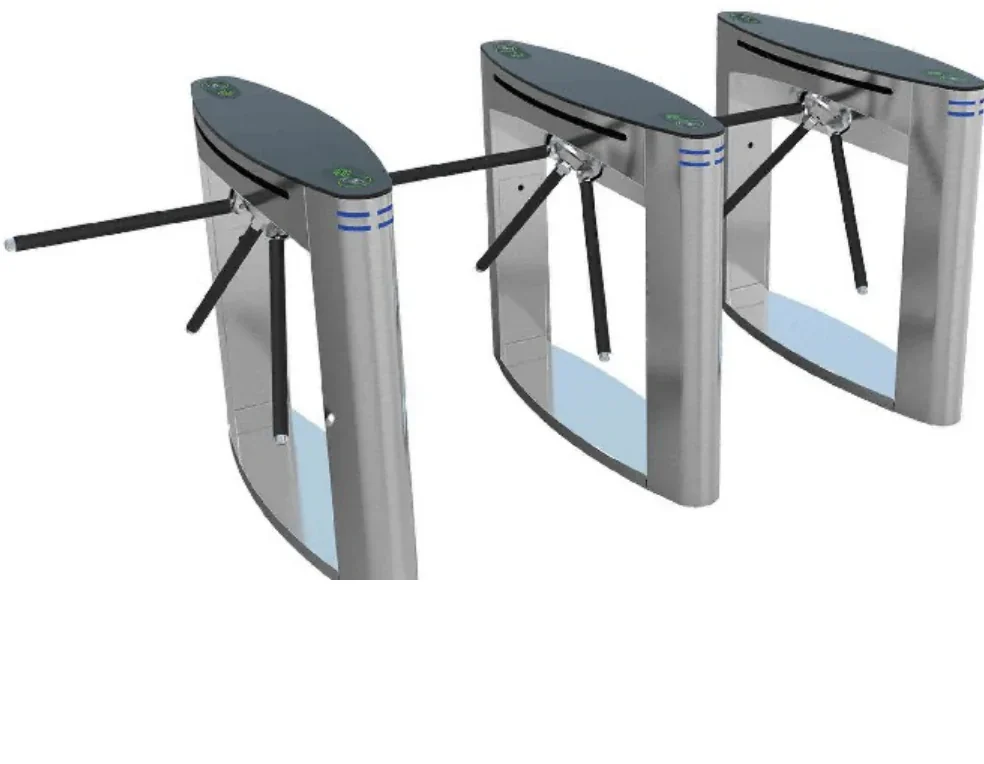
| CD-Z158 | Turnstiles & Barriers | One person per 120° rotation — a physical barrier for factories, sites and stadiums. |
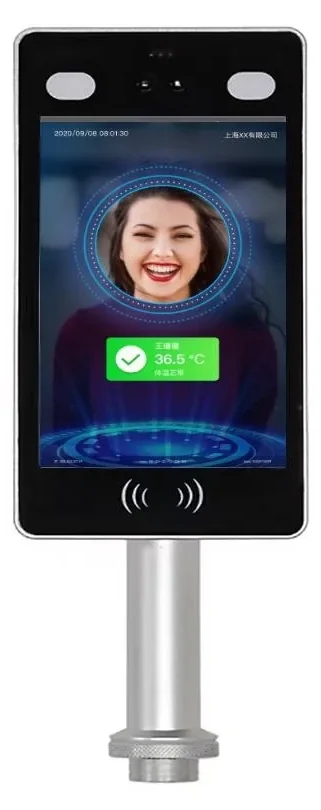
| SW-HA-8ZI | Face Recognition Terminals | 50,000 faces, 120 ms recognition and IP66 protection for busy entrances. |
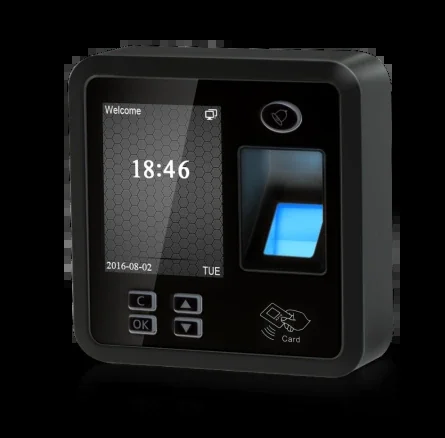
| TFS28 | Time Attendance & Biometrics | 3,000 fingerprints, 200,000 records and a 2.4-inch colour screen. |
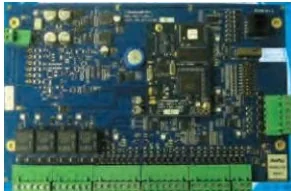
| PRO3000 | Access Control & Readers | Two-door IP controller with 55,000 cardholders and 45,000 event buffer. |
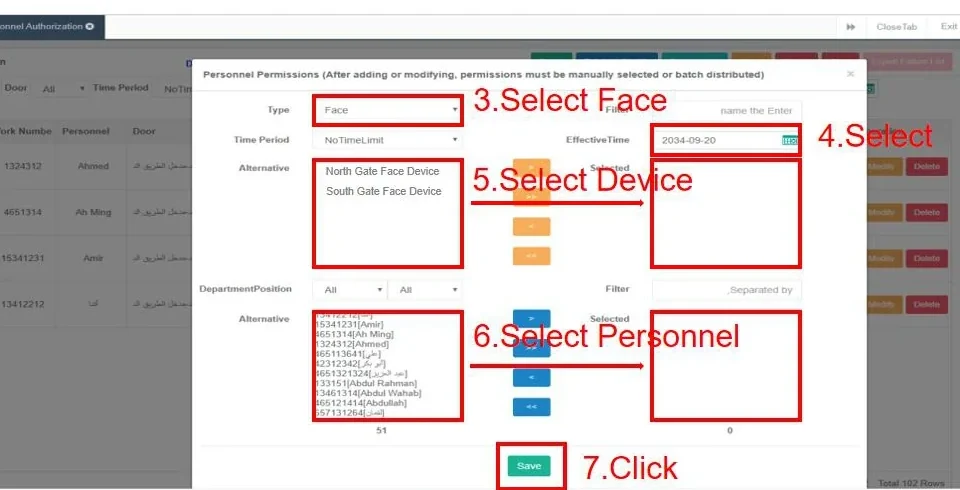
| AskFaceBS | Management Software | Manage devices, people, permissions and records from a browser on the local network. |
The combination this design usually uses.
Settle these six points before ordering.
A checklist is not decoration. It is the cheapest way to reduce site changes.
- Separate student, staff, visitor and contractor identities.
- Define peak windows and lane count for the main gate.
- Agree dormitory return rules and late-arrival handling.
- Plan permission changes at enrolment, graduation and leave.
- Confirm data export format for the school office.
Frequently asked questions
Can students use one card for the gate, dormitory and library?
How do we handle parents and visitors?
Can the system report dormitory returns?
What if a student loses a card?
Can the system run across multiple buildings?
Still have a question? Contact
Configure this design for your campuses site.
Share the floor plan, door list, site photos and existing platform model. We will reply within one business day with a configuration and the open questions.
- Sales & quotation: sale@accesscontrolintercomsystem.com
- Typical reply: within one business day
- English / Chinese technical support
Campuses project inquiry
Share the site type, number of doors or apartments, and the functions you need. We will reply with a recommended configuration and a quotation.
Compare another application.
Different sites have different lane logic, wiring constraints and platform interfaces — and different designs.