Face Recognition Access Control
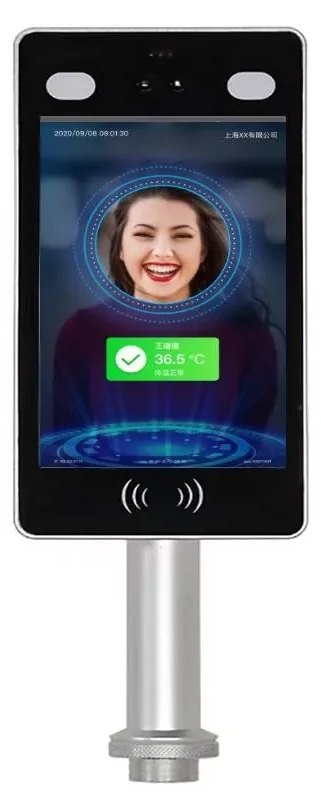
A face terminal replaces the credential at the door. Choose capacity with 30–50% headroom, confirm Wiegand or relay output for the existing controller, and test backlight, masks and enrolment with real users. A face terminal is not automatically a complete access control system.
- 5,000–50,000 faces
- ≤120 ms recognition
- Wiegand / relay
- IP65 / IP66 models
When should a door use face recognition?
Face recognition fits entrances where people pass frequently and cards are lost, shared or inconvenient: offices, apartment lobbies, campuses and factories. Use it as a Wiegand reader for an existing controller, or as a standalone terminal with a relay for one door. Always provide a card, QR or fingerprint fallback and test with the real workforce.
- Size the face library with 30–50% headroom
- Confirm Wiegand format or relay output
- Test backlight, masks and glasses
- Provide a second credential for exceptions
Which face terminal fits this entrance?
The first table maps the entrance condition to a terminal type. The second compares the models used on this page. The third lists the checks that decide recognition stability and integration.
Selection table — match the terminal to the entrance
| Entrance condition | Recommended configuration |
|---|---|
| High-traffic office lobby | 8-inch face terminal, 50,000-face capacity, Wiegand/relay to the lane controller |
| Covered outdoor gate | IP66 terminal with sunshade and dual-camera live detection |
| Visitor-heavy entrance | Face + QR + ID-card terminal with a platform visitor workflow |
| Factory with dust or gloves | Face-first terminal with card fallback; covered mounting position |
| Existing card controller | Use the face terminal as a Wiegand reader; keep the existing controller |
Face terminals in this range
| Model | Type | Face / credential capacity | Interfaces | Best for |
|---|---|---|---|---|
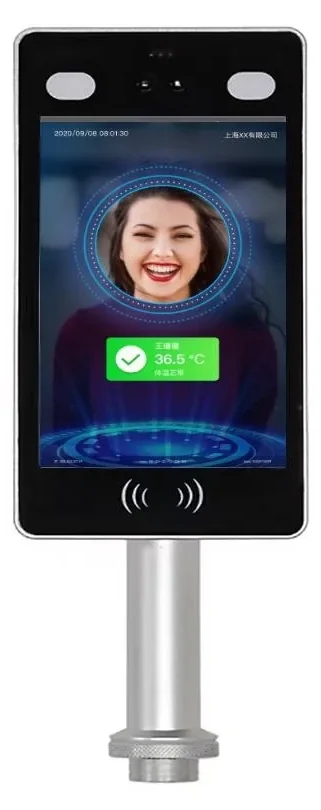
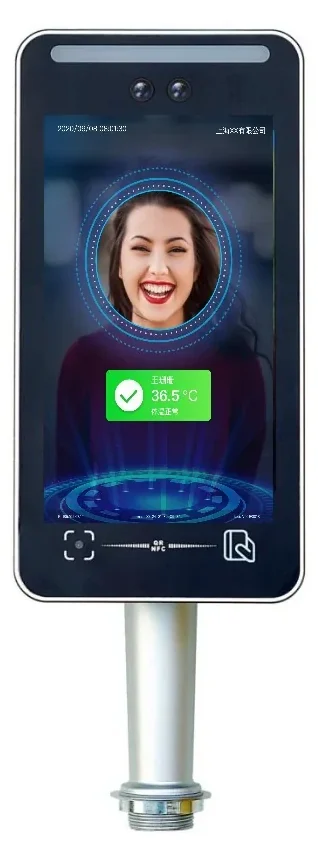
| SW-HA-8ZI | 8-inch face terminal | 50,000 faces; 8-inch IPS; IP66 | Wiegand, relay, MQTT, TCP/IP, HTTP | High-traffic office and apartment entrances |
| SW-HA-8EZI | 8-inch multi-credential terminal | 50,000 faces; QR, IC/ID/NFC and ID card | Wiegand, relay, MQTT, TCP/IP | Visitor, QR and ID verification |
| TM-AI08FW | 8-inch face and fingerprint terminal | 50,000 faces; 100,000 fingerprints; 500,000 events | TCP/IP, USB, Wi-Fi; Wiegand in/out | Factory, dust and gloved environments |
| TM-AI26 | Compact face terminal | 5,000 faces; 2.8-inch keypad; indoor | TCP/IP, USB, Wi-Fi | Small office, storage and staff doors |
Design checks before the quotation
| Design item | Typical setting | Why it matters |
|---|---|---|
| Face capacity | 5,000 or 50,000; add 30–50% headroom | Avoids re-enrolment as the site grows |
| Recognition speed | ≤120 ms for 8-inch models | Queue time at peak arrival |
| Accuracy | ≥99% quoted; test with real users | False reject is the main daily complaint |
| Camera | 2 MP colour + 2 MP infrared live detection | Rejects photos and screens |
| Recognition distance | 0.5–2 m; 0.5–1.5 m with live detection on some models | Sets the approach and queue layout |
| Mounting height | 1.4–1.5 m to the camera for adults | Children and wheelchair users need a lower angle |
| Light | Canopy; avoid direct sun and strong backlight | Backlight is the most common outdoor fault |
| Network | Ethernet; Wi-Fi/4G optional on some models | Offline mode helps, but enrolment and records need a plan |
| Outputs | Wiegand 26/34 or relay | Must match the controller or lock |
| Controller compatibility | Share the controller model and Wiegand format | Prevents a terminal that cannot talk to the door |
| Turnstile / lock | Relay to lane controller or lock; confirm fail-safe mode | Affects passage logic and fire release |
| Power | DC 12 V; size the supply for terminal and lock | Shared supplies cause dropouts at peak |
| Protection | IP65 front panel or IP66 housing | Covered outdoor use depends on the rating |
| Enrolment | On-device, photo import or platform import | Bulk enrolment quality decides accuracy |
| Privacy | Consent, retention and access policy for biometric data | Local law and company policy must be checked |
| Commissioning | Real users, day/night, masks and fallback credential | Acceptance should reflect daily use |
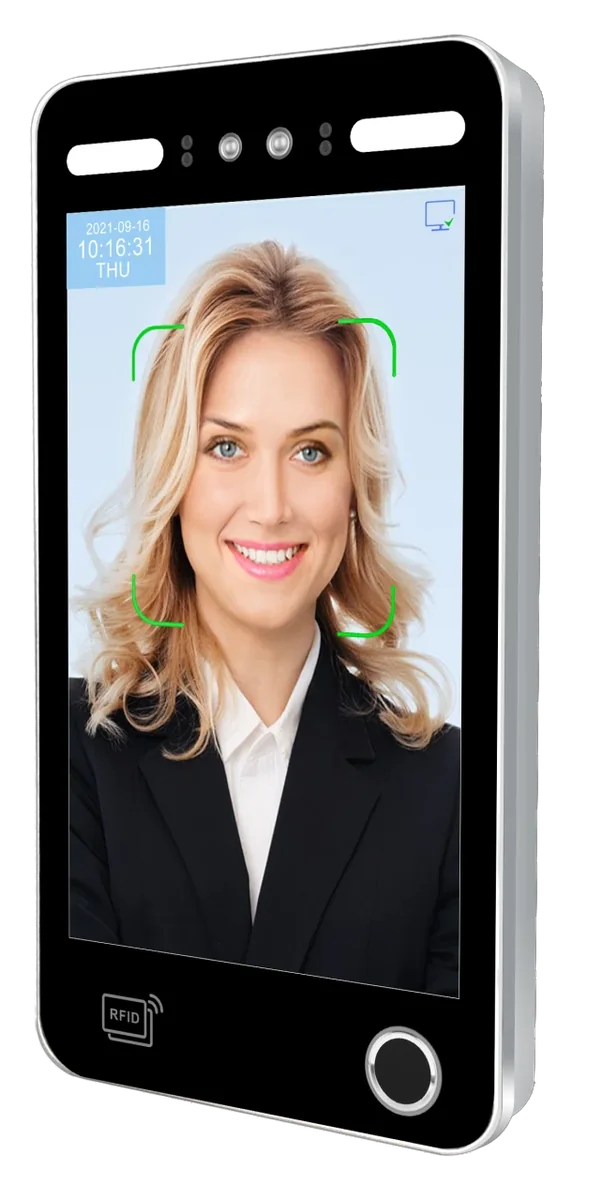
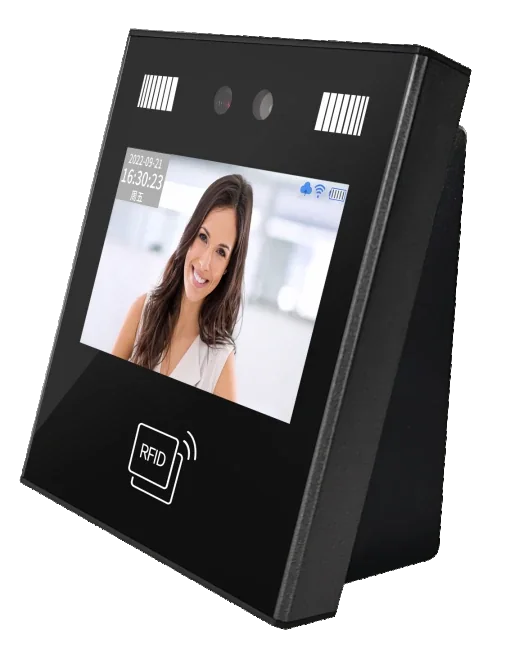
Face terminals for different entrances
Open a model page for the full specification. Confirm the face capacity, output format and mounting option before comparing prices.
What can a face terminal do, and what still needs confirmation?
A face terminal is a reader and, on some models, a standalone door controller. It does not replace the door hardware, the lock power or the site privacy policy.
What it can do
- Act as a Wiegand reader for an existing controller
- Control one lock or turnstile through a relay
- Run offline with local face templates and records
- Support card, QR or fingerprint fallback on selected models
- Mount on a wall or turnstile post
What it cannot do / needs confirmation
- Guarantee recognition through direct sun, rain or strong backlight
- Replace the controller for multi-door, interlock or anti-passback systems
- Guarantee mask or glasses accuracy without testing the actual users
- Provide legal advice on biometric consent or retention
- Install on an uneven or vibrating surface without a proper mount
Send the entrance photos, people count, existing controller model and required fallback credential. We will confirm the face capacity and output format.
Face recognition questions buyers ask before ordering.
The answers follow the capacity, output and installation logic used on this page.
How many faces should a terminal store for our site?
Can face terminals work outdoors?
What happens if someone wears a mask or glasses?
Can a face terminal replace our card reader?
Can it connect to a turnstile?
What about privacy and consent?
Still have a question? Contact
Send the entrance and controller details. We will return a face terminal configuration.
Include the people count, entrance photos, existing controller and card format, fallback credential and whether the terminal will mount on a wall or turnstile.
- Door list / unit list
- Existing cable, cards and controller
- Site photos and timeline
Project inquiry
Share the site type, number of doors or apartments, and the functions you need. We will reply with a recommended configuration and a quotation.