
Building Intercom System
A building intercom connects the entrance station, apartment monitors and the guard or management desk. Start with the building type, unit count, existing cable and whether the project also needs nurse call, smart-home control or a cloud community platform.
- Villa / apartment / mixed-use
- 7-inch indoor monitors
- Keypad or touch
- Nurse call / smart community
What should a building intercom cover?
A building intercom covers the entrance station, the indoor monitors, the call routing and the door release. For a villa or small building, a 7-inch monitor plus a door station is often enough. For an apartment building, confirm the unit count, monitor count, guard station and whether the system must also handle nurse call or smart-home control. The cable and the management model decide the topology.
- Start from building type and unit count
- Confirm the existing cable before choosing topology
- Decide whether a guard station is required
- Check nurse-call and smart-home interfaces early
Which building intercom layout fits this building?
The first table maps the building type to a layout. The second lists the indoor monitor models used as references. The third lists the design checks that decide whether the system will work across the building.
Building intercom selection by building type
| Building type | Typical layout | Design note |
|---|---|---|
| Villa or small building | 7-inch indoor monitor + door station | Confirm the gate/door count and whether a second monitor is needed |
| Apartment building | Entrance station + indoor monitors + guard station | Count units, floors and entrances; confirm monitor capacity |
| Nurse call / hospital | Nurse-call system with intercom interface | Nurse call is a separate system; confirm the interface and call priority |
| Smart community | IP/cloud intercom with app and management platform | Confirm network, cloud subscription and privacy policy |
| Retrofit | 2-wire or IP depending on the existing cable | Survey the riser, door power and old monitor compatibility |
Indoor monitor references in this range
| Model | Type | Key specification | Mounting | Best for |
|---|---|---|---|---|
| W15 | 7-inch keypad indoor monitor | 7-inch screen; multiple colour options | Wall mount | Villa and apartment buildings |
| W08 | 7-inch touch indoor monitor | 7-inch touch screen | Wall mount | Apartment and smart-home units |
| X86 | 7-inch keypad smart-home monitor | 7-inch screen; smart-home control | Wall mount | Smart-home and mixed-use buildings |
Design checks before the quotation
| Design item | Typical setting | Why it matters |
|---|---|---|
| Building type | Villa, apartment, mixed-use or hospital | Sets the layout and management model |
| Unit count | Number of apartments or rooms | Sizes the monitor and call-routing plan |
| Entrances | Main, side, garage and unit doors | Each entrance needs a door station and address |
| Existing cable | 2-wire, 4-wire or network | Decides whether a retrofit can reuse the riser |
| Indoor monitor | 7-inch keypad or touch | Screen and UI affect daily use |
| Monitor count | One or more per unit | Confirm the system maximum before ordering |
| Guard station | Optional monitor or management software | Visitor and emergency calls need a destination |
| Call routing | Unit, guard, manager or app | Defines the operating workflow |
| Unlock | Monitor, card, code or app | Must match the lock and resident habits |
| Power | Door station and each monitor | Voltage drop is the main multi-unit fault |
| App / cloud | Gateway and subscription if required | Remote answering is not available on every system |
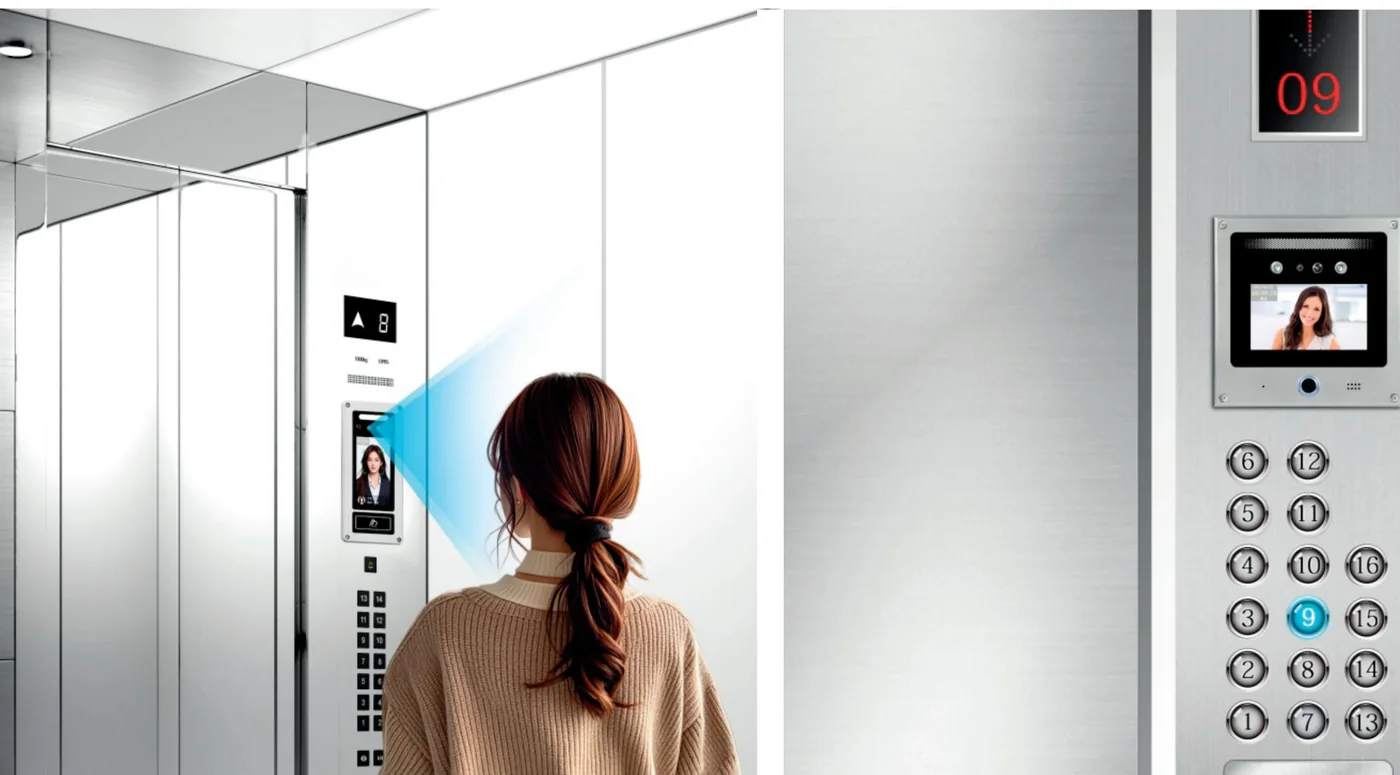
| Elevator | Compatible lift controller interface | Lift call must follow the same access rules |
| Nurse call | Separate nurse-call system with an interface | Do not treat nurse call as a standard intercom option |
| Fire | Release input for egress doors | Do not trap residents during an alarm |
| Commissioning | Unit-by-unit call, video, audio, unlock and guard | Catches addressing and wiring faults |
What a building intercom can do, and what still needs confirmation?
The building type, cable and management desk decide the design. Confirm the interfaces before promising nurse call, lift control or smart-home functions.
What it can do
- Connect entrance stations and 7-inch indoor monitors
- Support keypad or touch monitor options
- Add a guard station or management software
- Use 2-wire or IP topology depending on the existing cable
- Integrate nurse call or smart home where the interfaces exist
What it cannot do / needs confirmation
- Provide door frames, civil works or building network
- Guarantee reuse of old monitors across brands
- Guarantee nurse call without a dedicated system and interface
- Exceed the system maximum monitor or unit count
- Replace the fire alarm or building management system
Send the building type, unit list, entrance photos, riser cable and guard-station requirement. We will return a layout and the interfaces that still need confirmation.
Building intercom questions buyers ask before quoting.
The answers follow the building type, cable and guard-station logic used on this page.
What is a building intercom?
Should we choose keypad or touch monitors?
Can it integrate nurse call?
Can we reuse the existing cable?
How many monitors can one apartment have?
Do we need a guard station?
Still have a question? Contact
Send the building layout. We will return a monitor and entrance layout.
Include the building type, unit count, entrances, existing cable, guard-station requirement and whether nurse call or smart-home control is needed.
- Door list / unit list
- Existing cable, cards and controller
- Site photos and timeline
Project inquiry
Share the site type, number of doors or apartments, and the functions you need. We will reply with a recommended configuration and a quotation.