
Face Recognition Access Control Terminals
Face terminals replace cards and keys at busy entrances. Choose capacity, screen size, authentication mix and IP rating to match the door, the network and the people flow.
- 6 detailed models
- 56 models in index
- EN / 中文 support
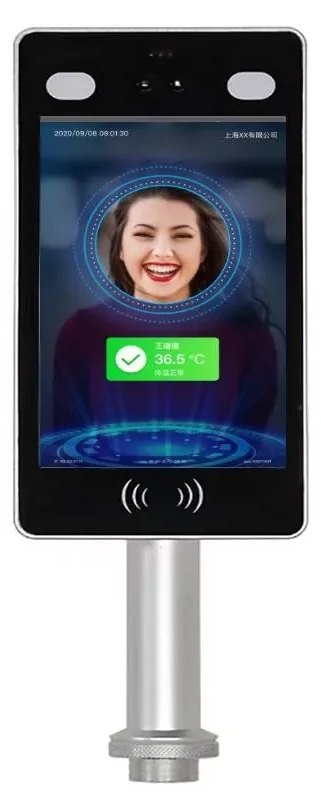
Quick answer
6 detailed models and 56 indexed models, across 1 series. Typical specifications: Display: 8-inch IPS, 800 × 1280 · Face capacity: 50,000 faces · Recognition speed: ≤120 ms. Final selection depends on the door count, cable and platform; send the door list for a configuration.
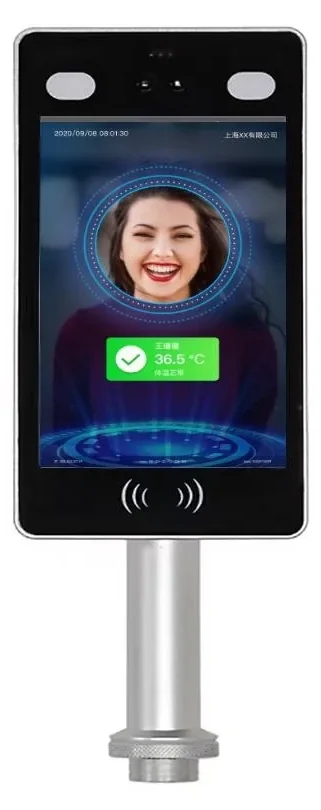
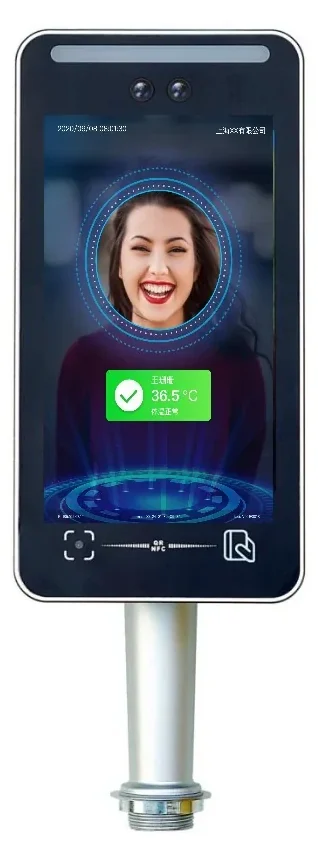
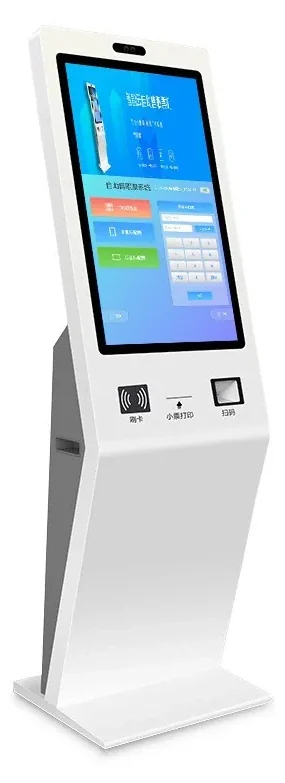
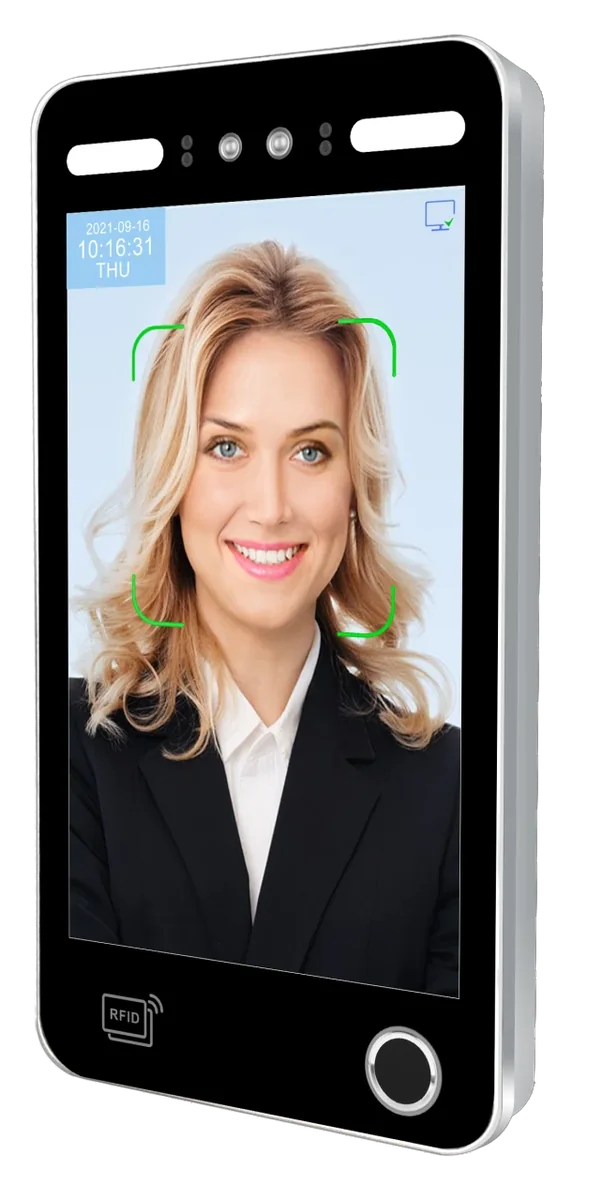
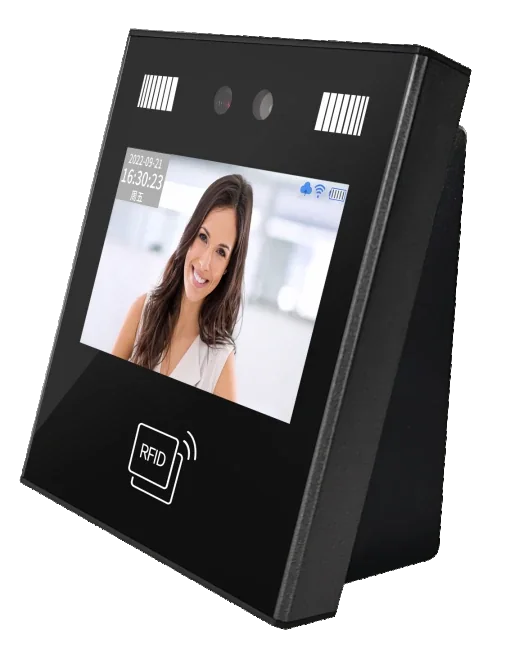
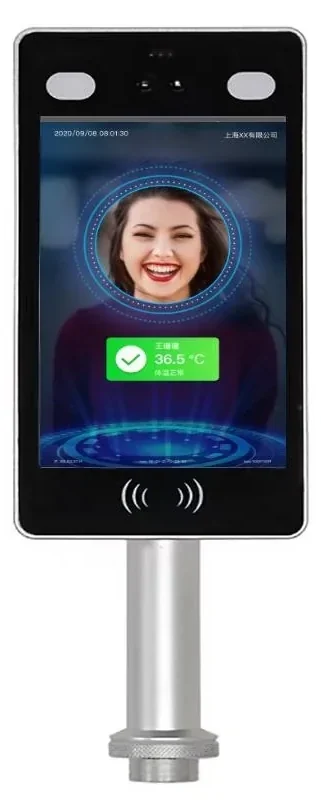
56 models in this category.
One category image represents multiple models; the models are listed by series on the right. Models with a detail page link straight through.
AI Face Terminal Series
8 models · View detailsOther models
Compare the essentials, then open the detail page.
| Model | Category | Key specifications | |
|---|---|---|---|
| SW-HA-8ZI | 8-Inch Face Recognition Terminal | Display: 8-inch IPS, 800 × 1280Touch: Capacitive multi-touchFace capacity: 50,000 faces | View details |
| SW-HA-8EZI | 8-Inch QR & Face Access Terminal | Display: 8-inch IPS, 800 × 1280Face capacity: 50,000 facesRecord capacity: 100,000 records | View details |
| SW-ZCFE-21.5 | 21.5-Inch Self-Service Terminal | Display: 21.5-inch IPS, 1920 × 1080, 16:9Touch: Capacitive touchOperating system: Android 11 | View details |
| TM-AI08FW | 8-Inch Multi-Biometric Access Terminal | Display: 8-inch HD IPS touch screenOperating system: Linux 3.10Processor: 1.2 GHz dual-core ARM Cortex-A7 | View details |
| TM-AI26 | Compact Face Recognition Terminal | Display: 2.8-inch touch keypadOperating system: Linux 3.10Processor: 800 MHz single-core ARM Cortex-A7 | View details |
| CD5005 / CD5006 | AI Face Terminal Series | Display: 4.3–8 inch, model-dependentFace capacity: 10,000–50,000Record capacity: 50,000–100,000 | View details |
Select by entrance, then check the installation.
Selection table — match the terminal to the entrance
| Entrance condition | Recommended configuration |
|---|---|
| High-traffic office lobby | 8-inch face terminal, 50,000-face capacity, Wiegand/relay to the lane controller |
| Covered outdoor gate | IP66 terminal with sunshade and dual-camera live detection |
| Visitor-heavy entrance | Face + QR + ID-card terminal with a platform visitor workflow |
| Factory with dust or gloves | Face-first terminal with card fallback; covered mounting position |
| Existing card controller | Use the face terminal as a Wiegand reader; keep the existing controller |
Installation table — what to check before handover
| Item | Typical setting |
|---|---|
| Mounting height | 1.4–1.5 m to the camera for adults; lower for children or wheelchair users |
| Power | DC 12 V at the door; share with the lock only if the supply is sized for both |
| Network | Ethernet to a switch; fixed IP if the platform requires it |
| Outputs | Wiegand or relay; confirm the controller format and lock current |
| Light | Avoid direct sun and strong backlight; add a sunshade where needed |
| Enrolment | Use standard photos and test with real users before rollout |
Frequently asked questions
How many faces should a terminal store for our site?
Can face terminals work outdoors?
What happens if someone wears a mask or glasses?
Can a face terminal replace our card reader?
Still have a question? Contact
Where this family is typically used.
Send the door list. We will reply model by model.
Tell us the door type, lane count, existing cable and platform interface. We will return a configuration and the questions that still need answers.