
One credential, two jobs
Time Attendance & Biometric Terminals
Attendance hardware should match the workforce, not the other way round. Dust, gloves, shifts and outdoor exposure all change the right choice.
- 2 detailed models
- 21 models in index
- EN / 中文 support
Quick answer
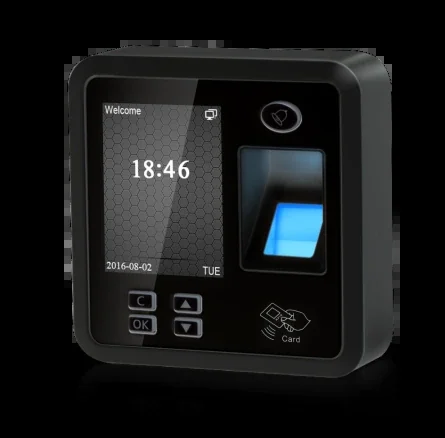
2 detailed models and 21 indexed models. Typical specifications: Display: 2.4-inch TFT colour LCD · Identification speed: <1 s · FRR / FAR: <0.01% / <0.0001%. Final selection depends on the door count, cable and platform; send the door list for a configuration.
Model index
View full model index 21 models in this category.
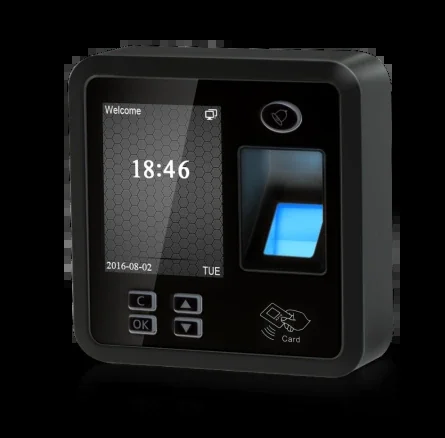
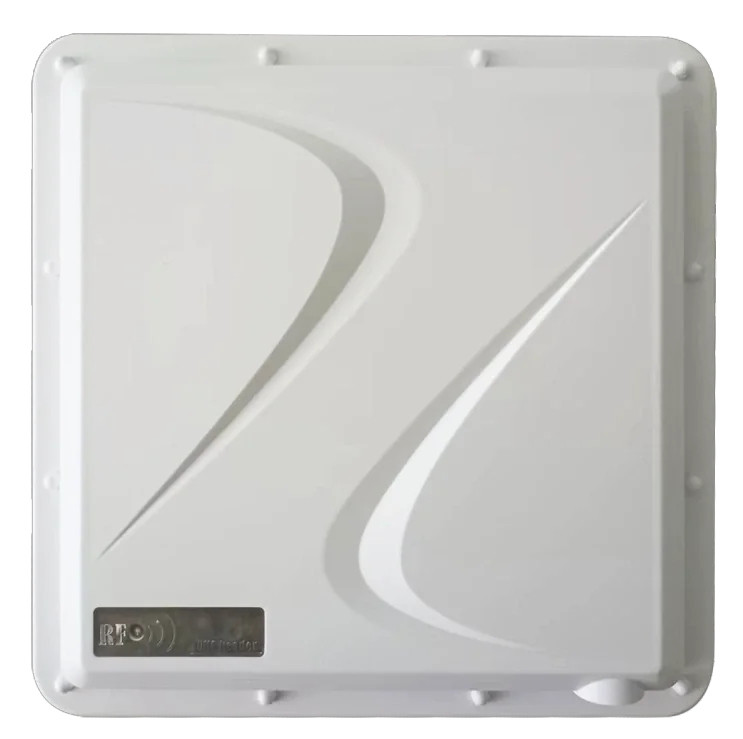
One category image represents multiple models; the models are listed by series on the right. Models with a detail page link straight through.
Quick comparison
Compare the essentials, then open the detail page.
| Model | Category | Key specifications | |
|---|---|---|---|
| TFS28 | Fingerprint & Card Time Attendance Terminal | Display: 2.4-inch TFT colour LCDIdentification: Fingerprint, card, passwordIdentification speed: <1 s | View details |
| TM-UAC109 | UHF RFID Long-Range Access Terminal | Technology: UHF RFID reader + access controllerCard capacity: 30,000 cardsTransaction capacity: 140,000 | View details |
Selection & installation
Select by entrance, then check the installation.
Selection table — credential by workforce
| Workforce | Recommended terminal |
|---|---|
| Office staff | Face or card terminal, 5,000-face capacity |
| Factory or kitchen | Face-first terminal with card fallback |
| Construction site | Face + QR terminal integrated with a real-name platform |
| Remote or mobile staff | Mobile app or UHF RFID |
| Payroll reporting | Platform with shift, overtime and exception rules |
Installation table — enrolment and reporting
| Item | Typical setting |
|---|---|
| Height | 1.2–1.4 m for fingerprint; 1.4–1.5 m for face |
| Light | Avoid direct sun and strong backlight on the camera |
| Network | TCP/IP or Wi-Fi; synchronise daily |
| Power | DC 12 V or PoE; backup if attendance must continue |
| Enrolment | Standard photos or fingerprints; test with real users |
| Report | Confirm a sample payroll export before go-live |
Frequently asked questions
Frequently asked questions
Face, fingerprint or card for attendance?
Face works best where hands are dirty, gloved or fingerprints are worn. Fingerprint is economical for clean office staff. Cards are simple but can be shared; combine methods where needed.
How many records should the terminal store?
Estimate people × punches per day × days between synchronisations. A terminal with 200,000 records covers a mid-size workforce for months; large sites should synchronise daily.
Can attendance data feed payroll?
The platform exports records by person, department and date range. Confirm the required columns and rules (late, overtime, shifts) with the payroll team before commissioning.
Can the same terminal control a door?
Many attendance terminals include an electric-lock output and can also act as a Wiegand reader. For multi-door systems, use a dedicated controller and the terminal as a reader.
Still have a question? Contact
Applications
All solutions Where this family is typically used.
Selection help
Send the door list. We will reply model by model.
Tell us the door type, lane count, existing cable and platform interface. We will return a configuration and the questions that still need answers.