
Video Intercom Systems
Video intercom links the gate, the door and the apartment. Select the wiring topology first — IP for new buildings, 2-wire for retrofits, AHD for cost-sensitive projects.
- 8 detailed models
- 54 models in index
- EN / 中文 support
Quick answer
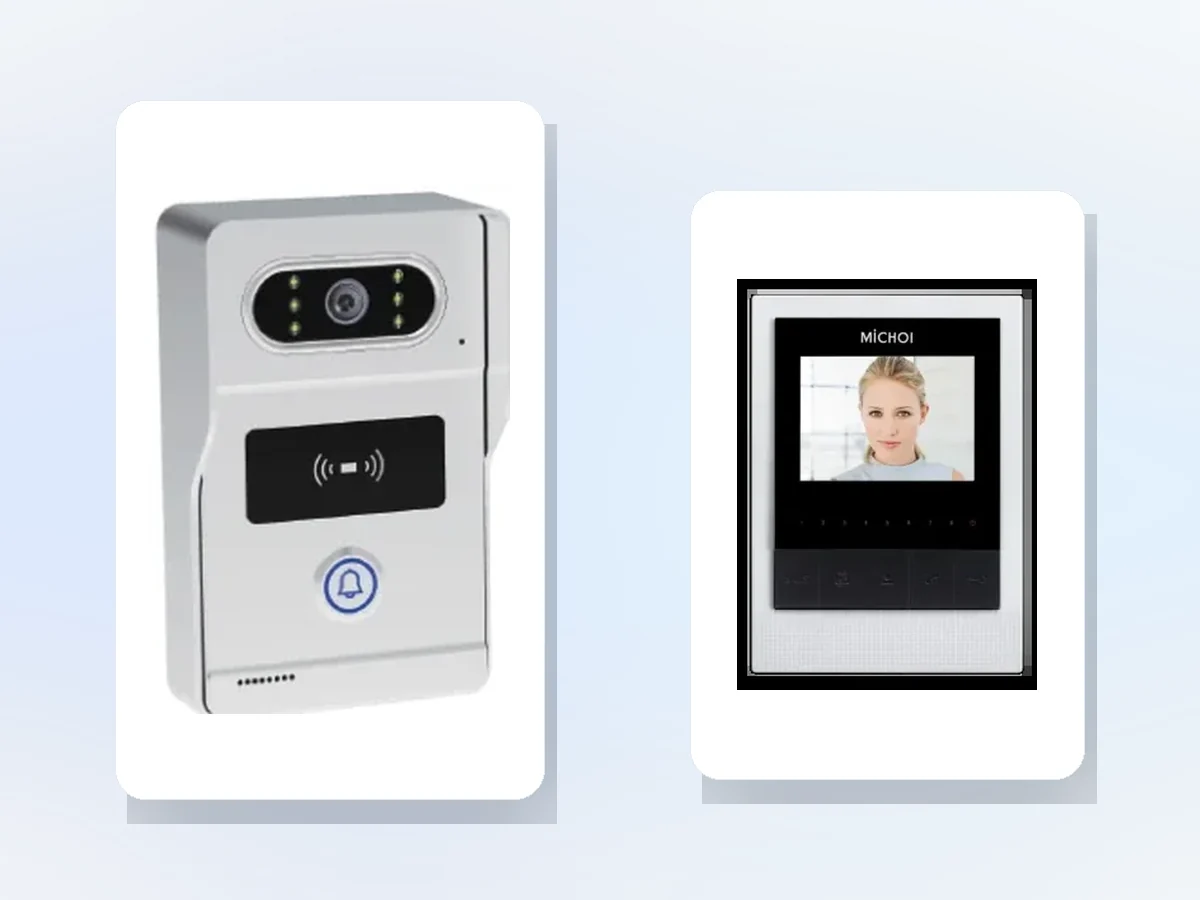
8 detailed models and 54 indexed models, across 1 series. Typical specifications: Outdoor camera: AHD HD 2.0 MP, 1080P · Camera angle: 120° · Door station size: 168 × 82 × 35 mm. Final selection depends on the door count, cable and platform; send the door list for a configuration.


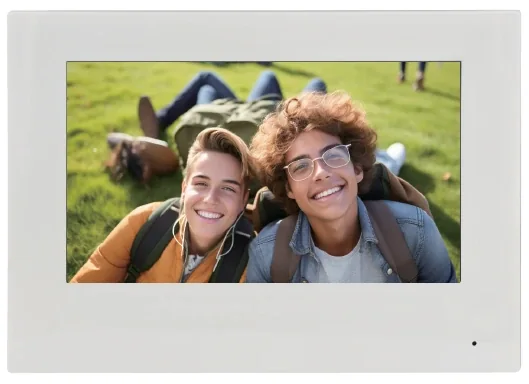

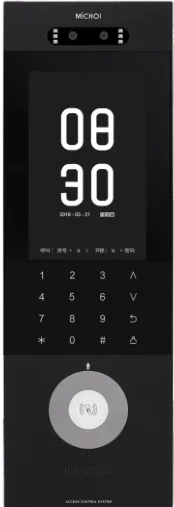
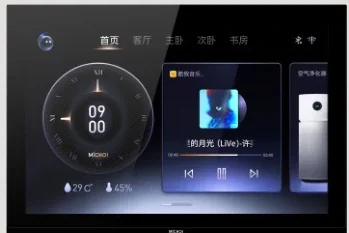
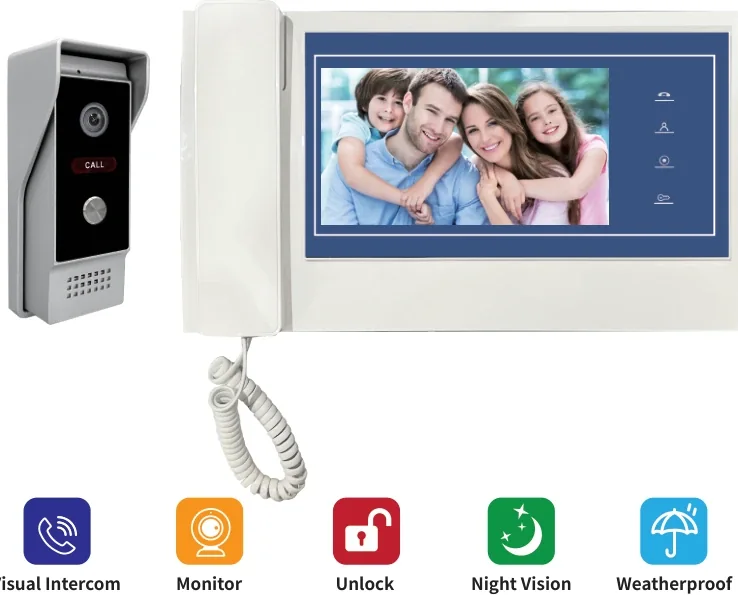
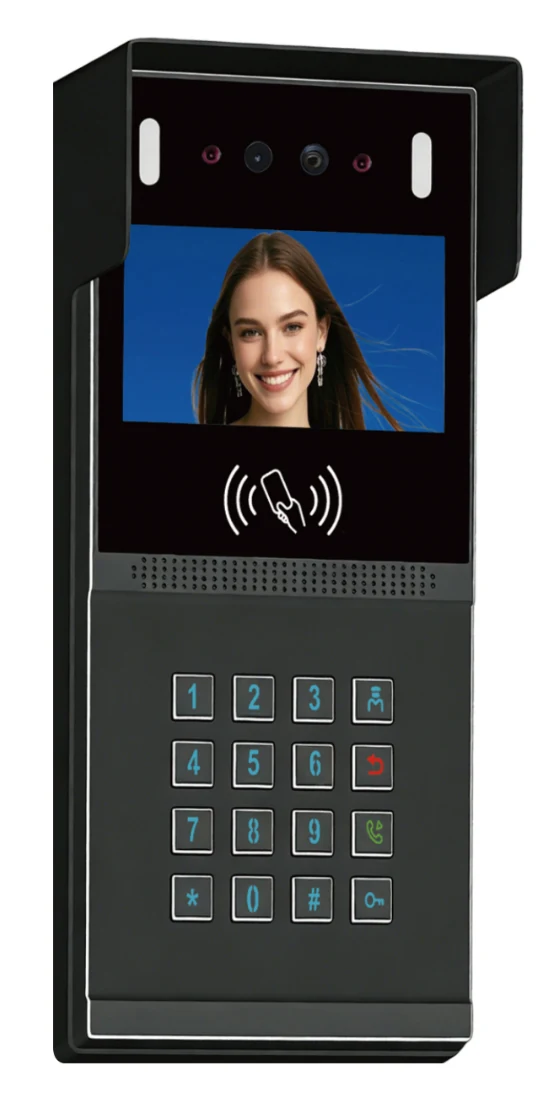
54 models in this category.
One category image represents multiple models; the models are listed by series on the right. Models with a detail page link straight through.
Villa & Apartment IP Intercom
4 models · View detailsOther models
Compare the essentials, then open the detail page.
| Model | Category | Key specifications | |
|---|---|---|---|
| IP TY101T-HTD2 | IP Video Intercom Kit | System type: IP video door entryOutdoor camera: AHD HD 2.0 MP, 1080PCamera angle: 120° | View details |
| TUYA TY75T-HTD2 | 2-Wire Video Intercom Kit | System type: 2-wire video intercomIndoor monitor: 7-inch IPS touch, 1024 × 600Indoor power: AC 100–240 V, 50/60 Hz, DC 15 V 1.2 A | View details |
| TUYA TY76A-HM5-1B | Multi-Apartment Keypad Door Station | System type: 4-wire video intercomIndoor monitor: 7-inch IPS touch, 1024 × 600Indoor size: 200 × 140 × 18 mm | View details |
| AHD A72T-HTD2 | AHD Video Intercom Kit | System type: AHD video intercomIndoor monitor: 7-inch, 1024 × 600, ABS + acrylicIndoor size: 245 × 159 × 18 mm | View details |
| MC-516R15IPD2-7 | 7-Inch IP Door Station with Face Recognition | Screen: 7-inchSystem type: IP video door stationOperating system: Android / Linux (configuration-dependent) | View details |
| MC-526R15U-10 | 10-Inch Ultra-Thin Indoor Monitor | Screen: 10-inchInstallation: 86-box wall mount, flush to wallMaterial: Plastic | View details |
| PQ VEP7-CM2 | Villa Video Intercom Kit | System type: Four-wire villa intercomIndoor monitor: 7-inch, 800 × 480Indoor size: 310 × 80 × 35 mm | View details |
| FL-IP Series | Villa & Apartment IP Intercom | System type: IP video intercom, CAT5/CAT6Cable / distance: CAT5/CAT6, 100 m classIndoor monitor: 7-inch IPS touch, 1024 × 600 | View details |
Select by entrance, then check the installation.
Selection table — start from the existing cable
| Building condition | Recommended system |
|---|---|
| Existing two-core cable | 2-wire kit, RVV2, up to 150 m |
| Existing four-core cable | 4-wire or AHD kit, up to 150 m |
| Network cable or new build | IP system with PoE and app/platform options |
| Multi-building or long distance | IP system with a network backbone |
| Single villa gate | 2-wire or 4-wire villa kit with a 7–10 inch monitor |
Installation table — power, cable and commissioning
| Item | Typical setting |
|---|---|
| Power | Indoor-powered 2-wire, local 12 V, or PoE for IP |
| Cable | RVV2 / RVV4 / Cat5e per kit; measure the actual route, not the plan |
| Monitor height | 1.4–1.5 m to the screen centre |
| Unlock | Confirm relay rating, lock type and fail-safe mode |
| Outdoor station | Canopy, drip loop, and avoid direct sun on the camera |
| Test | Day/night image, audio, unlock and app connection |
Frequently asked questions
Should we choose IP, 2-wire, 4-wire or AHD?
What is the maximum cable length?
Can residents answer on a phone?
Can one door station serve several apartments?
Still have a question? Contact
Where this family is typically used.
Send the door list. We will reply model by model.
Tell us the door type, lane count, existing cable and platform interface. We will return a configuration and the questions that still need answers.