Access Control System Architecture: Readers & Controllers
A practical guide to access control system architecture — readers, controllers, locks, exit devices, power, network and the checks that prevent callbacks.
In short
A practical guide to access control system architecture — readers, controllers, locks, exit devices, power, network and the checks that prevent callbacks. Reference points: 125 kHz, 13.56 MHz, PRO3000.
An access control system is often drawn as a single box on a floor plan. In reality it is a chain: the reader captures a credential, the controller decides, the lock acts, the exit device lets people out, the power supply keeps the chain alive, and the software records what happened.
Most callbacks come from one weak link in that chain, not from the software. This guide follows the order we use on site, from the door outward.
What is an access control system made of?
A working system has six parts. The reader is the visible interface. The controller is the decision point. The lock is the action. The exit device protects egress. The power supply and network keep the system running. The software manages people, permissions and records.
The important point is that no part can compensate for another. A high-security reader on a controller that cannot work offline is still a weak door. A good controller with an undersized lock power supply will produce callbacks every month.
Start with the door and the people flow
Before comparing models, write down what the door has to do:
- Who uses it: staff, residents, visitors, contractors or vehicles.
- How often: a few times a day or thousands of times at shift change.
- Which direction: entry only, or entry and exit with anti-passback.
- What happens in an emergency: free egress, fire release, or a monitored exit.
- What the door is made of: timber, steel, glass, aluminium or a fire-rated assembly.
This short brief decides the reader type, the lock type and the controller capacity more reliably than a catalogue.
Readers: match the credential to the site
The reader captures a card, phone, fingerprint, face or QR code. The common options are 125 kHz ID cards, 13.56 MHz Mifare cards, CPU cards, biometric terminals and QR readers.
125 kHz is common in existing buildings and simple projects. 13.56 MHz Mifare is the better default for new projects because it supports more secure card types and mobile credentials. Biometrics help where cards are shared or lost, but they need a clean enrolment process and a fallback method.
The reader is not the security boundary. A card can be copied and a face can be photographed. The controller, the lock and the audit trail are what make the system defensible. Browse the access control and reader range before fixing the credential type.
Controllers: door count, capacity and offline operation
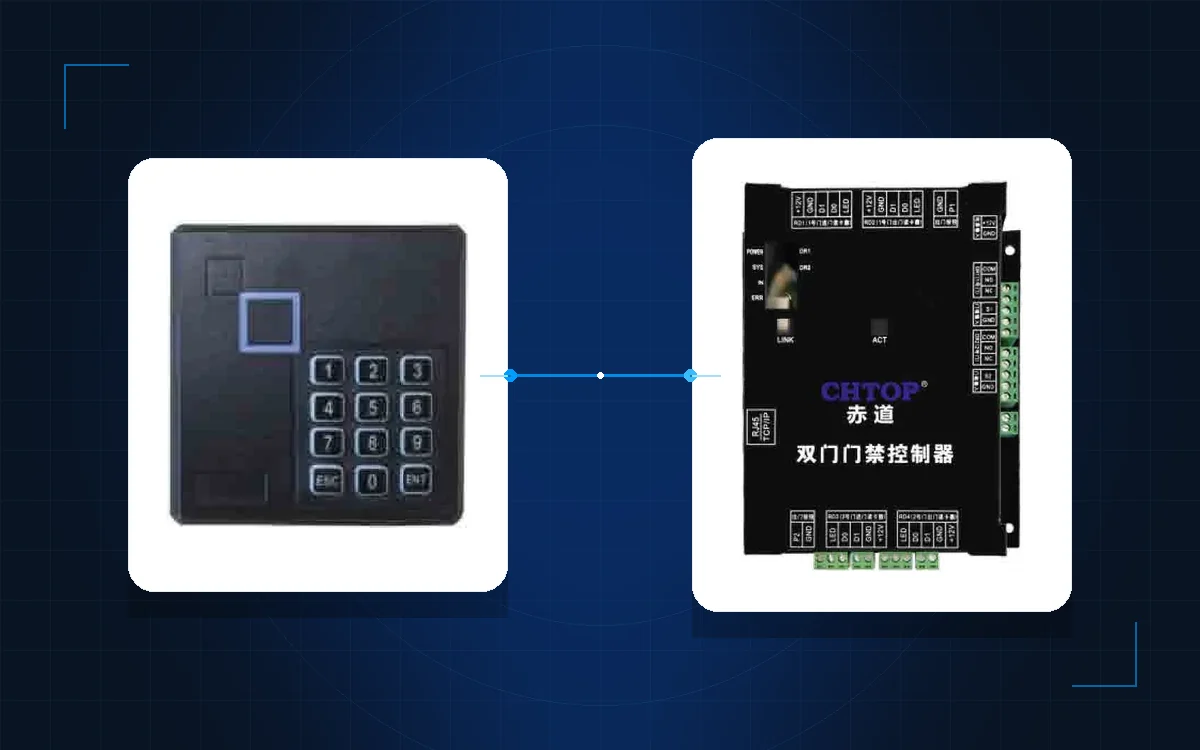
The controller stores cardholders, access levels, time zones and holidays. When a credential arrives, it checks whether the card is valid, whether the user is allowed at that door, whether the time is correct and whether anti-passback or interlock rules are satisfied.
Size the controller by four numbers: doors, readers, cardholders and event buffer. A small office may need one two-door board. A campus or industrial site may need multiple controllers on a TCP/IP network, with local decisions at each building.
The controller must keep working when the network is down. If it cannot make decisions offline, the door becomes a prop during an outage. The PRO3000 network access controller and the CD8000 series are examples of the controller layer; the final capacity is confirmed against the door schedule.
Locks and exit devices: decide the failure mode first
The lock is where the electrical design meets the door. Magnetic locks hold the door closed and release when power is lost. Electric strikes replace the strike plate and can be fail-safe or fail-secure. Electric bolts and motor locks suit different door types.
The first decision is not the lock brand; it is the failure mode. A fail-safe lock opens on power loss and is common on fire egress routes. A fail-secure lock stays closed and needs a backup supply and a clear emergency release.
Every controlled door also needs a way out. An exit button, request-to-exit sensor, break-glass or panic bar must work without a card, without the controller and, where the code requires it, without power. The exit device is part of the fire strategy, not an accessory.
Power, network and fire integration
Power is the most common source of callbacks. Plan a dedicated supply for the controller and a separate supply for the locks, sized for inrush and voltage drop. Use fuses or breakers per door and label every supply.
The reader-to-controller link is usually Wiegand or OSDP. Wiegand is simple but unencrypted. OSDP supports encrypted communication and device management. The controller-to-server link is normally TCP/IP; for multi-building sites, plan VLANs or dedicated switches.
Fire integration must be tested on every door. The fire alarm should release the relevant locks, and the release must work even if the network or server is unavailable. Confirm the cause-and-effect matrix with the fire consultant before commissioning.
Commissioning checklist
| Check | What to prove | Record |
|---|---|---|
| Credential | Every reader reads the intended card, phone or biometric | Reader model and credential type |
| Decision | Every controller has the correct time zone and holiday table | Configuration file |
| Lock | Every lock releases and secures correctly | Door-by-door result |
| Egress | Every exit device works without a card | Test date and device |
| Fire | Every fire trigger releases the correct doors | Cause-and-effect result |
| Offline | Doors keep working when the network is down | Test method and result |
| Audit | Events appear with the correct door, user and time | Sample report |
Do not sign off because the lobby door works. Test every door, including back-of-house, plant rooms and the server room.
Reference table: device responsibilities
| Device | Responsibility | Typical interface |
|---|---|---|
| Reader | Capture the credential | Wiegand or OSDP |
| Controller | Decide and store events | TCP/IP, RS485 |
| Lock | Secure or release the door | Relay, dedicated power |
| Exit device | Allow egress | Mechanical or relay |
| Software | Permissions and reports | Network |
What to send for a quotation
A useful enquiry includes the door schedule, a floor plan, the door materials, the credential type, the fire strategy and the existing network. For a multi-building site, add the building layout and the head-end location.
Use the model index to shortlist the hardware, then compare the office building and industrial park designs for the zoning logic. If you want a second opinion on the architecture, send the door list to our team or message us on WhatsApp. The product catalogue and the rest of the blog cover the reader, lock and intercom layers in more detail.
Access control is a chain. Design the chain before you choose the brand, and test every link before you hand over.
Frequently asked questions
What is the difference between a card reader and an access controller?
Should I choose Wiegand or OSDP?
Does an access controller need a server to keep working?
How many doors can one controller handle?
What happens to the door during a power failure?
What should an access control quotation include?
Put the article’s decision order to work on your project
Related products
 Access Control
PRO3000
Network Access Controller
Two-door IP controller with 55,000 cardholders and 45,000 event buffer.
View details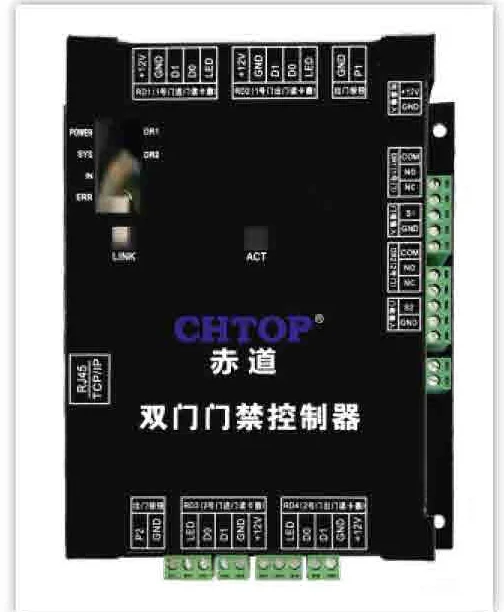 Access Control
CD8000 Series
Network Access Controller Series
Single-door, double-door and four-door controllers on one TCP/IP platform.
View details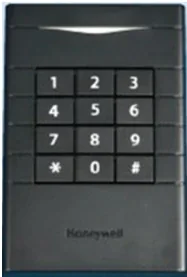 Access Control
HA-MCR45-32
13.56 MHz Mifare Card Reader
ISO 14443A Mifare reader with Wiegand output and tamper-resistant mounting.
View details