
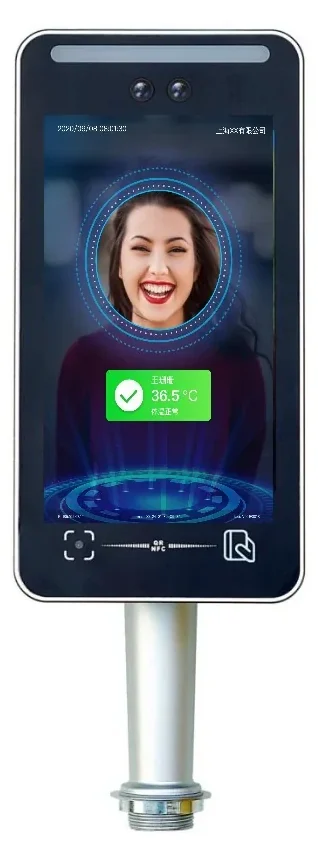
 Face Recognition
SW-HA series
SW-HA-8EZI 8-Inch QR & Face Access Terminal
Face, QR code, card and ID verification in one 8-inch terminal.
For visitor-heavy entrances, construction sites and buildings that mix staff, contractors and guests. The same live-face platform adds QR, card and ID options, so one device covers several credential types.
- Display
- 8-inch IPS, 800 × 1280
- Face capacity
- 50,000 faces
- Record capacity
- 100,000 records
- Recognition speed
- ≤120 ms
Quick answer
Model SW-HA-8EZI: Display: 8-inch IPS, 800 × 1280 · Face capacity: 50,000 faces · Record capacity: 100,000 records. 11 specifications, 5 FAQs. Final configuration and lead time are confirmed from the door list.
- Model datasheet and wiring diagram with the shipment
- Project consolidation and sample testing
- English / Chinese technical support
SW-HA-8EZI keeps the 8-inch IPS screen and dual-camera live detection of the SW-HA-8ZI, then adds QR code reading and optional IC, ID, NFC and ID-card reader modules. That makes it suitable for entrances where not every visitor can be enrolled in advance: staff use faces, contractors scan a QR pass, and visitors present an ID card at reception.
The terminal stores 50,000 faces and 100,000 records, recognises in ≤120 ms and is rated IP66. Wiegand and relay outputs connect to turnstiles and locks, while MQTT, TCP/IP, HTTP and WebSocket support cloud platforms and local software. Offline mode keeps the gate working during network maintenance.
Typical deployments include construction-site real-name access, campus visitor gates, office lobbies with temporary staff, and residential communities that issue QR passes to delivery riders. Confirm the QR format and card technology with us; the factory can enable the modules that match your project.
Face Recognition Terminals: what it solves at the door.
8-inch IPS screen with live-face preview
Face, QR code, IC/ID card and ID-card options
50,000 faces and 100,000 event records
Dual-lens live detection against photos and screens
IP66 housing and offline operation
Wiegand, relay and MQTT / TCP-IP integration
Specifications
| Display | 8-inch IPS, 800 × 1280 |
|---|---|
| Face capacity | 50,000 faces |
| Record capacity | 100,000 records |
| Recognition speed | ≤120 ms |
| Recognition accuracy | ≥99% |
| Credential options | Face, QR code, IC/ID/NFC card, ID card reader |
| Camera | 2 MP colour + 2 MP infrared |
| Protection | IP66 |
| Power | DC 12 V |
| Protocols | MQTT, Wiegand, TCP/IP, HTTP, DNS, NTP, WebSocket |
| Installation | Wall mount or turnstile post mount |
Typical applications
These are the typical deployment scenarios for this model. Lane count, mounting height and interfaces are confirmed against the site plan.
Office Buildings
A calm lobby with controlled lanes, visitor passes and a clear audit trail.
Campuses
One student credential across gates, dormitories, libraries and classrooms.
Residential Communities
A quiet, reliable entry experience for residents — and a clear record for management.
Selection note
Specifications follow the product documentation; batch or configuration differences may apply. Confirm the model, interfaces and accessory list before ordering.
Align the configuration and installation conditions.
Selection table — match the terminal to the entrance
| Entrance condition | Recommended configuration |
|---|---|
| High-traffic office lobby | 8-inch face terminal, 50,000-face capacity, Wiegand/relay to the lane controller |
| Covered outdoor gate | IP66 terminal with sunshade and dual-camera live detection |
| Visitor-heavy entrance | Face + QR + ID-card terminal with a platform visitor workflow |
| Factory with dust or gloves | Face-first terminal with card fallback; covered mounting position |
| Existing card controller | Use the face terminal as a Wiegand reader; keep the existing controller |
Installation table — what to check before handover
| Item | Typical setting |
|---|---|
| Mounting height | 1.4–1.5 m to the camera for adults; lower for children or wheelchair users |
| Power | DC 12 V at the door; share with the lock only if the supply is sized for both |
| Network | Ethernet to a switch; fixed IP if the platform requires it |
| Outputs | Wiegand or relay; confirm the controller format and lock current |
| Light | Avoid direct sun and strong backlight; add a sunshade where needed |
| Enrolment | Use standard photos and test with real users before rollout |
Frequently asked questions
Which QR code formats are supported?
Can visitors use ID cards without pre-registration?
Is the QR module factory-fitted or field-upgradable?
Does it support construction-site real-name systems?
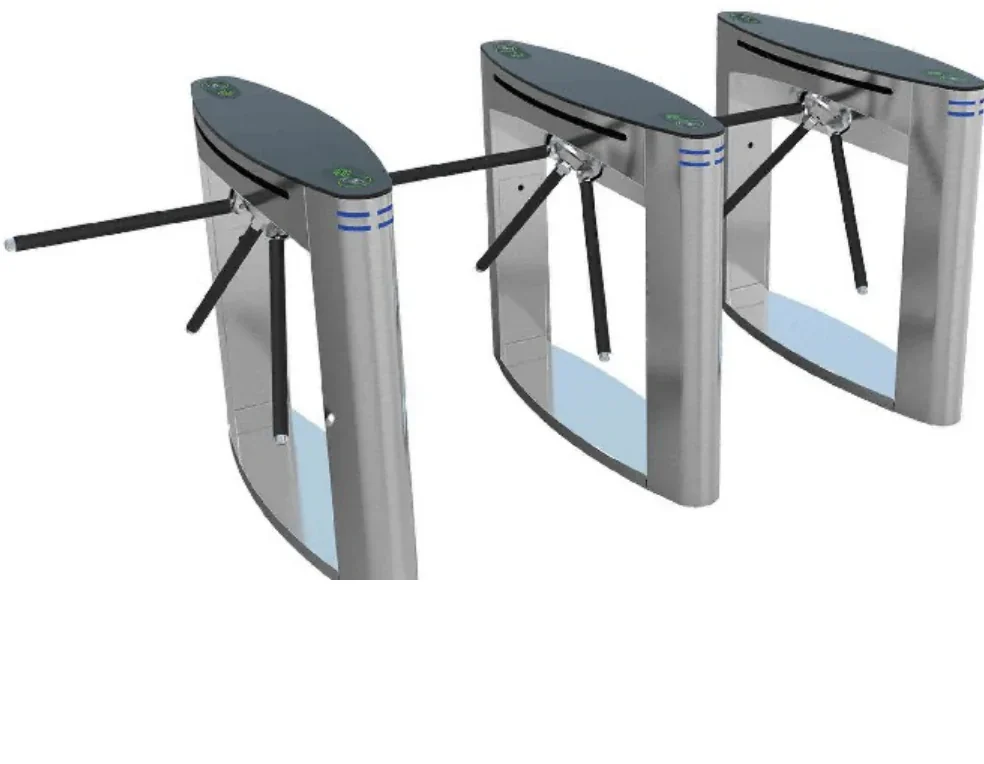
Can it control a flap barrier directly?
Still have a question? Contact
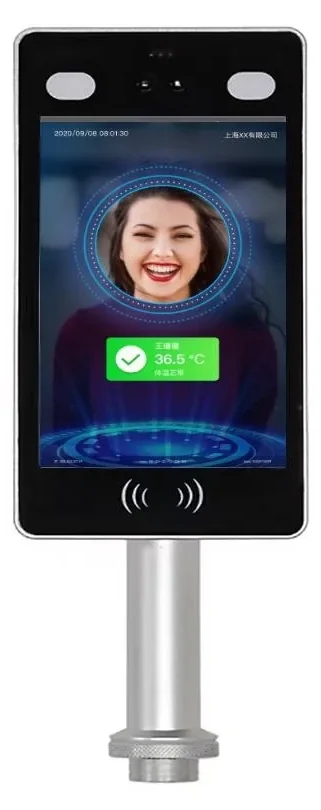
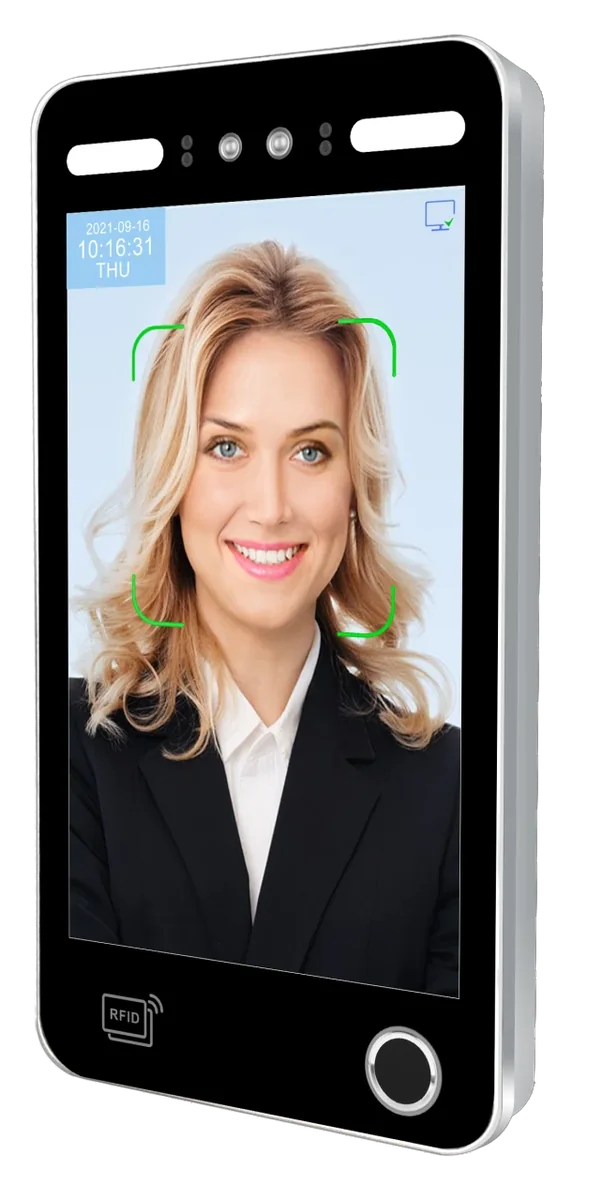
Other options in the same family or scenario.
Ask about the SW-HA-8EZI configuration and price.
Tell us the quantity, target country, door type and the controller or platform you use. We will reply with the configuration, accessory list and lead time.
- Quantity and project stage
- Target country, voltage and plug type
- Existing controller, turnstile or platform model
Inquiry: SW-HA-8EZI
Share the site type, number of doors or apartments, and the functions you need. We will reply with a recommended configuration and a quotation.
Need to compare this model inside a full system?
Open an application guide to see where it sits in a real entrance, what it pairs with and what to check before deployment.