RFID Card Reader Guide: 125 kHz vs 13.56 MHz, Wiegand & OSDP
How to choose an RFID card reader for access control — card technology, read range, Wiegand vs OSDP, controller compatibility, mounting and the checks before ordering.
In short
How to choose an RFID card reader for access control — card technology, read range, Wiegand vs OSDP, controller compatibility, mounting and the checks before ordering. Reference points: 125 kHz, 13.56 MHz, MCR45-32.
An RFID card reader looks like a simple device: present a card, the door opens. The project risk is in the details — the card frequency, the interface, the controller compatibility and the mounting.
This guide explains the choices that matter before a reader is added to the quotation.
What an RFID reader does
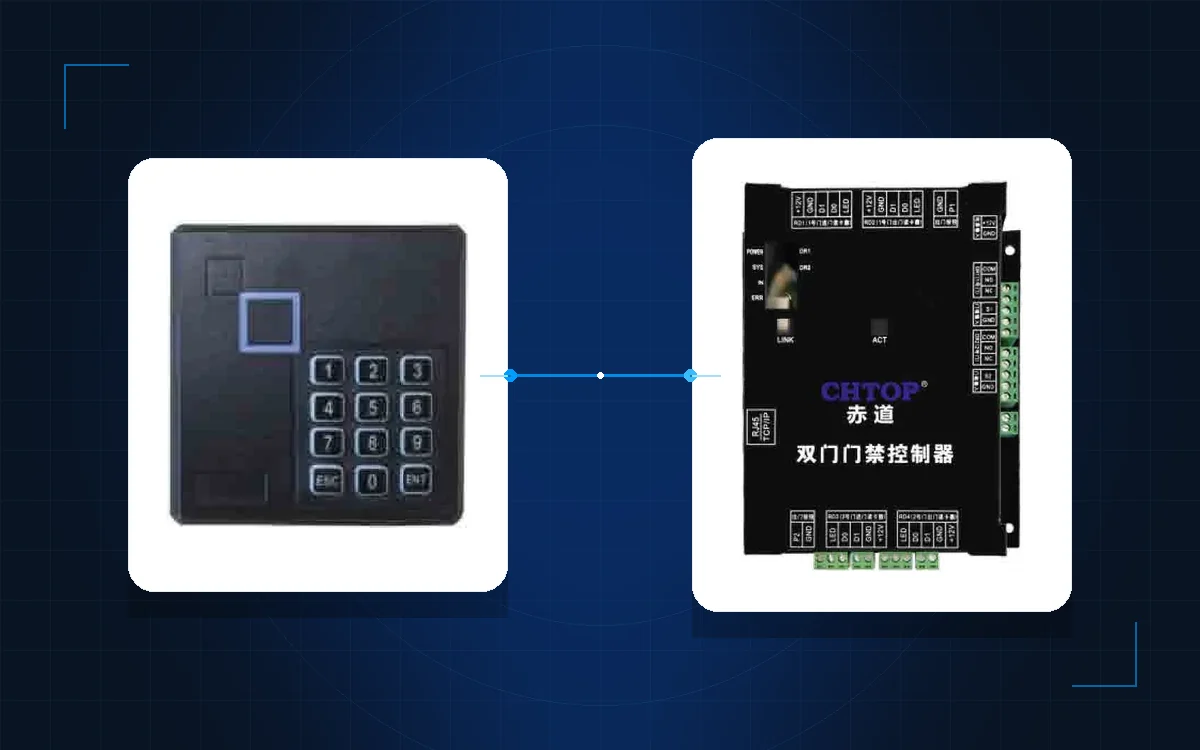
The reader energises a card or fob, reads its identifier and sends it to the controller. The controller checks the credential against the access rules and releases the lock.
The reader does not decide. It captures. The controller and the platform decide. That is why the reader must match the controller, not just the cards.
125 kHz vs 13.56 MHz
Two frequencies dominate access control:
- 125 kHz. Common in existing buildings, simple and inexpensive. It is often used for legacy ID cards.
- 13.56 MHz Mifare. Common in new projects. It supports secure sectors, card serial numbers and compatible mobile credentials.
The card population decides the reader. If the building already has thousands of 125 kHz cards, replacing every card may be more expensive than keeping a 125 kHz reader for the existing doors and adding 13.56 MHz for new doors. If the project is new, 13.56 MHz is the better default.
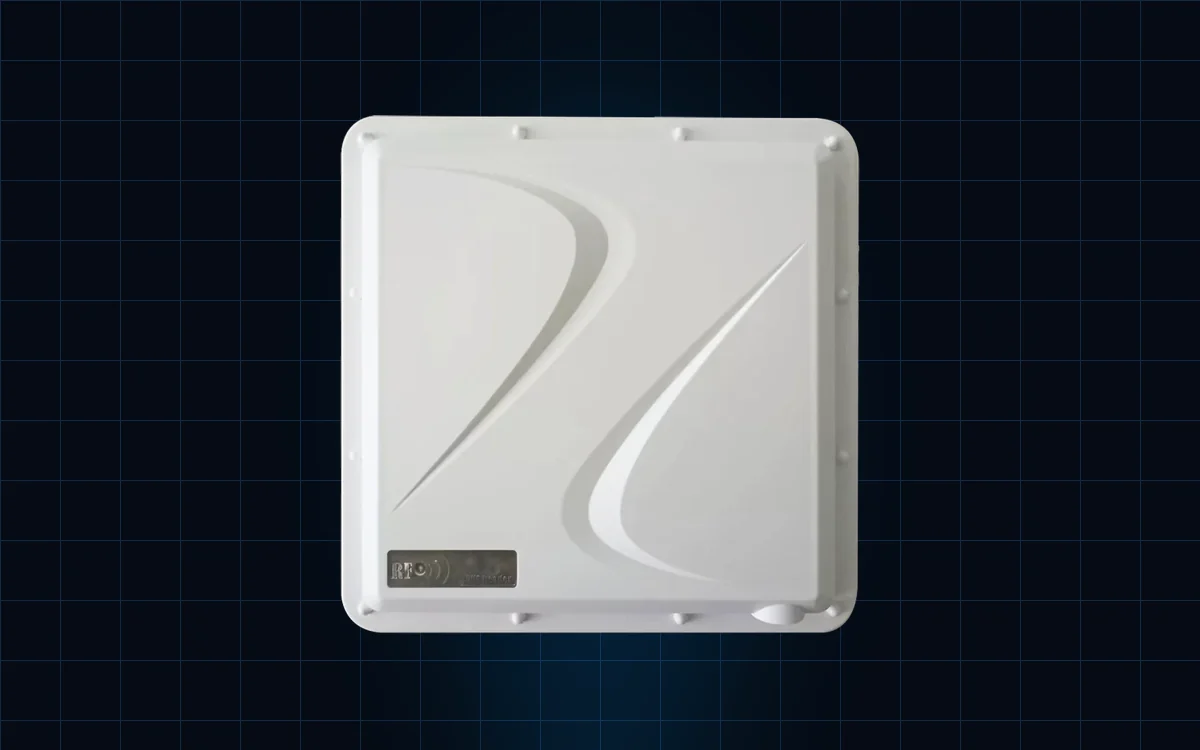
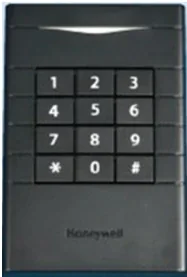
The HA-MCR45-32 Mifare reader is an example of the 13.56 MHz family. The UHF RFID terminal is a different product for long-range or vehicle access; do not confuse it with a proximity reader.
Wiegand vs OSDP
The reader-to-controller interface is usually Wiegand or OSDP.
- Wiegand is simple, widely supported and limited in distance. It is unencrypted.
- OSDP supports encrypted communication, bidirectional status and remote device management.
Choose OSDP when the controller supports it and the site has a security requirement that justifies it. Choose Wiegand when the existing controller only supports Wiegand and the risk is accepted. The access control category lists the compatible controllers and readers.
Read range, mounting and materials
A proximity reader is not a long-range reader. The card is presented close to the reader; the read range is usually a few centimetres. If the user expects to open a gate from a car window, that is a different technology.
Mounting matters:
- Metal doors and frames can detune the reader; use a spacer or a metal-compatible model.
- Outdoor readers need the correct IP rating and a drip loop.
- The cable route should avoid power cables and interference.
- The reader height should suit the users and the accessibility requirement.
Controller compatibility and power
Check four things before ordering:
- Card frequency and card type.
- Reader interface: Wiegand, OSDP, RS485 or network.
- Controller capacity and firmware support.
- Power: voltage, current and cable length.
A reader that is technically compatible but not supported by the controller firmware is still a problem. Confirm the model with the controller supplier. The PRO3000 network controller and the CD8000 series are examples of the controller layer.
Common mistakes
- Buying 13.56 MHz readers before checking the existing card population.
- Assuming a Wiegand reader will work with an OSDP-only controller.
- Mounting a proximity reader directly on a metal frame without a spacer.
- Using a long-range UHF reader for a door that needs a proximity read.
- Forgetting the reader current in the power budget.
Comparison table
| Requirement | 125 kHz | 13.56 MHz Mifare |
|---|---|---|
| Existing cards | Likely compatible | Needs new cards |
| Security level | Basic | Higher, with secure sectors |
| Mobile credential | Rare | Common |
| Reader cost | Lower | Moderate |
| New project default | No | Yes |
| Mixed population | Possible with multi-frequency readers | Possible with multi-frequency readers |
Specification checklist
| Item | What to confirm |
|---|---|
| Frequency | 125 kHz, 13.56 MHz or multi-frequency |
| Card type | ID, Mifare, CPU or mobile |
| Interface | Wiegand, OSDP, RS485 or network |
| Controller | Model, firmware and capacity |
| Read range | Proximity or long-range |
| Mounting | Metal, glass, outdoor or flush |
| Environment | IP rating and temperature |
| Power | Voltage, current and cable length |
Next steps
Send the existing card photos, the controller model and the door schedule. Compare the office building solution and the industrial park solution for the reader placement. The access control category lists the readers and controllers, the model index covers the alternatives, and the product catalogue has the full system.
Contact our team or message us on WhatsApp with the card and controller details. The blog has related guides on controllers, locks and installation.
Frequently asked questions
What is the difference between 125 kHz and 13.56 MHz cards?
Can one reader read both 125 kHz and 13.56 MHz cards?
Is Wiegand secure?
How far can an RFID reader read?
Does the reader need a separate power supply?
What should be confirmed before ordering?
Put the article’s decision order to work on your project
Related products
 Access Control
HA-MCR45-32
13.56 MHz Mifare Card Reader
ISO 14443A Mifare reader with Wiegand output and tamper-resistant mounting.
View details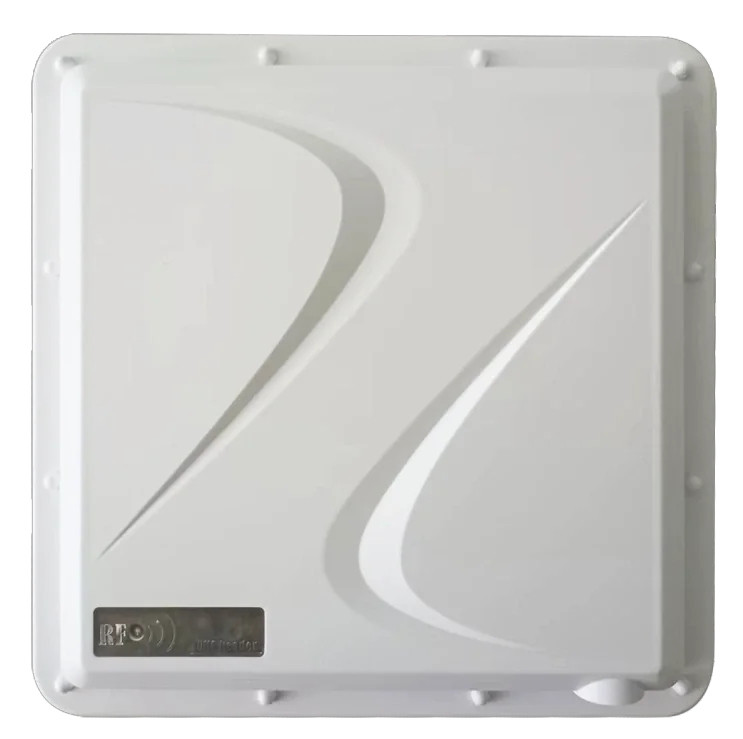 Time Attendance
TM-UAC109
UHF RFID Long-Range Access Terminal
Hands-free UHF access up to 8 m, with IP66 protection and anti-passback.
View details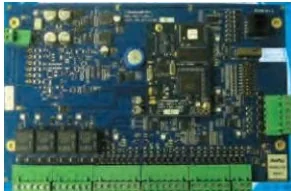 Access Control
PRO3000
Network Access Controller
Two-door IP controller with 55,000 cardholders and 45,000 event buffer.
View details