Face Recognition Access Control: How to Choose a Terminal
A buyer’s guide to face recognition access control — entrance conditions, credential mix, capacity, lighting, protocols and the data to collect before a quote.
In short
A buyer’s guide to face recognition access control — entrance conditions, credential mix, capacity, lighting, protocols and the data to collect before a quote. Reference points: SW-HA-8ZI, SW-HA-8EZI, TM-AI08FW.
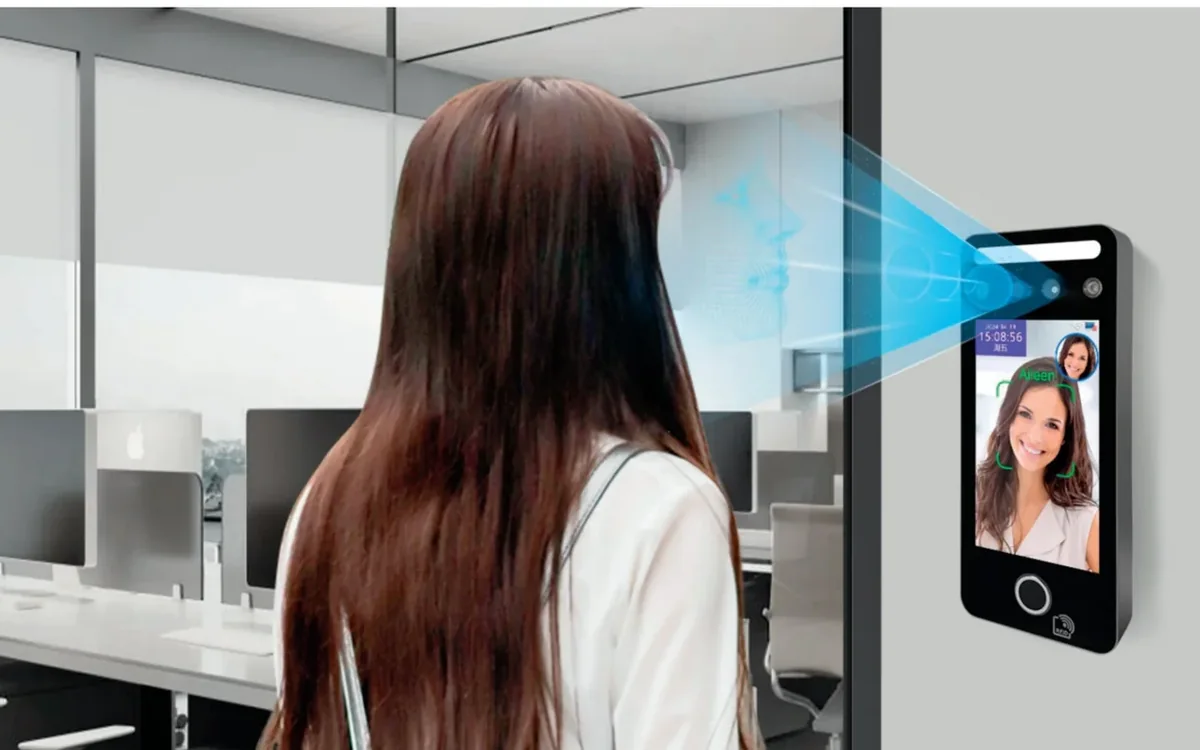
Face recognition is often sold as a terminal. In a real project it is a lane: the person approaches, the terminal captures the face, the controller decides, the lock releases, and the event is recorded. If any part of that lane is wrong, the terminal gets blamed.
This guide is written for the entrance that already exists, with real light, real traffic and a real door. It explains what to check before choosing a model.
What face recognition access control actually includes
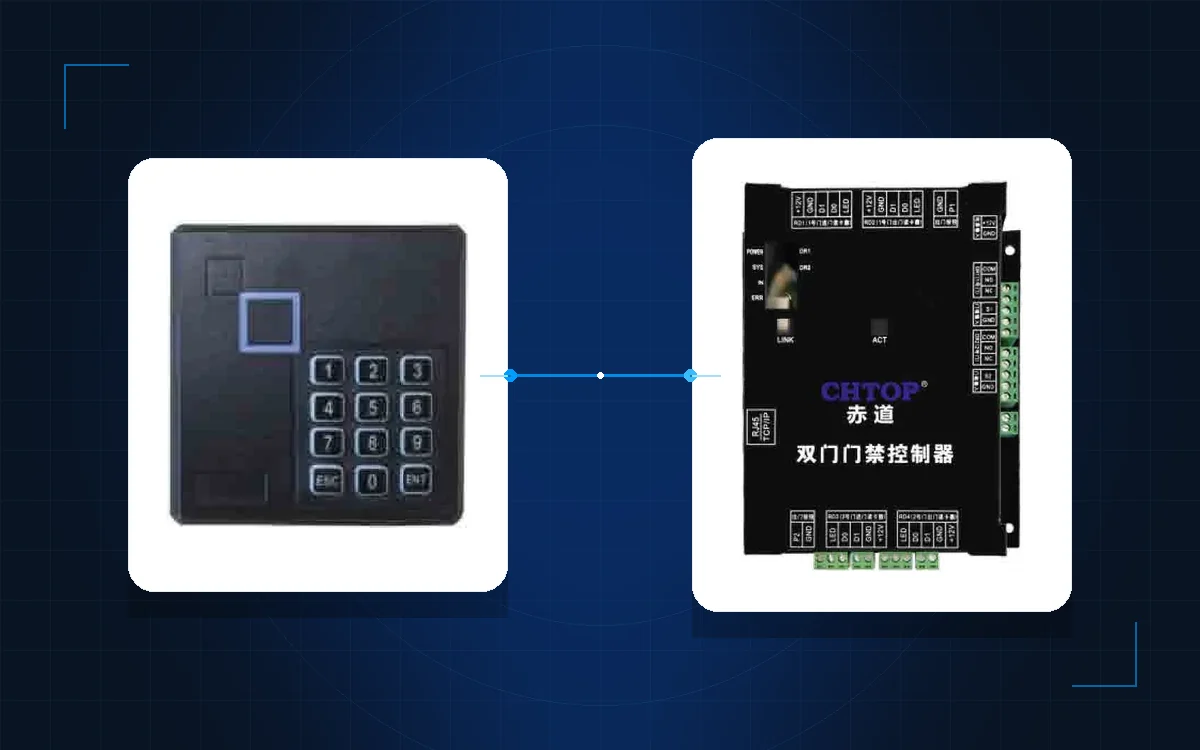
A complete system has a terminal, an access controller or a built-in controller, a lock, an exit device and a management platform. The terminal may be a reader only, or a standalone unit with relay outputs and a local database.
The first question is therefore not “which camera?” but “what does this terminal have to connect to?” If the project already has a controller and a platform, choose a reader-style terminal with Wiegand or OSDP. If the door is standalone, choose a terminal with relay outputs and offline capacity.
Start with the entrance conditions
Walk to the door and record:
- Indoor or outdoor, and whether direct sun reaches the camera.
- The approach distance and the queue space.
- The mounting height and the material behind it.
- The lighting at night and the backlight during the day.
- Whether people wear masks, helmets, gloves or glasses.
- The door type and the release method.
A terminal that works in a showroom may struggle at a west-facing lobby door at sunset. The installation position is part of the product decision.
Choose the credential mix
Face is convenient, but it is rarely the only credential. Most projects need at least one fallback:
- Card or fob for staff and residents.
- QR code for visitors and contractors.
- Password or app for temporary access.
- Face for hands-free entry.
The 8-inch face terminal and the QR and face terminal are examples of different mixes. The multi-biometric terminal adds another option for sites that need fingerprint or card fallback. Compare the full face recognition range before fixing the credential list.
Check capacity, speed and records
Three numbers decide whether the terminal suits the site:
- Face capacity. Enough templates for everyone enrolled, plus growth.
- Event buffer. Enough records to survive a network outage.
- Verification speed. Fast enough for the busiest minute, not the average day.
The busiest minute is the number that matters. A school at the start of the day and a factory at shift change are different from an office with a steady trickle. Count the people who arrive in the peak 10 minutes and add a safety margin.
Light, masks and mounting
Face recognition depends on the image. Check:
- Direct sunlight into the camera.
- Strong backlight from a window or a glass door.
- Rain, dust or salt air on the lens.
- Masks, helmets and reflective glasses.
- The angle of the face at the mounting height.
A hood, a different mounting height or a terminal with a better dynamic range can solve more problems than a higher camera resolution. If the site cannot control the light, add a card fallback and do not promise a hands-free lane.
Integration: relay, Wiegand, OSDP and platform
The terminal has to talk to something. Common options:
- Relay output for a standalone door.
- Wiegand to an existing controller.
- OSDP for encrypted communication and device management.
- Network API to a management platform.
Match the terminal to the controller, not the reverse. If the site uses a PRO3000 controller, confirm the reader interface and the platform integration. The access control category lists the controller and reader layer.
Specification table
| Requirement | What to confirm | Why it matters |
|---|---|---|
| Face capacity | Templates stored on the terminal or the platform | Enrolment growth and offline operation |
| Credential mix | Face, card, QR, password or app | Visitors, gloves and fallback |
| Interface | Relay, Wiegand, OSDP or API | Compatibility with the controller |
| Environment | IP rating, sun hood, operating temperature | Outdoor and semi-outdoor entrances |
| Event storage | Local buffer and export method | Audit and network outages |
| Mounting | Height, angle and bracket | Recognition speed and comfort |
Project checklist
| Site data | Why it is needed |
|---|---|
| Entrance photos at morning, noon and night | Light and backlight assessment |
| Peak 10-minute person count | Terminal and lane sizing |
| Door material and release type | Lock and relay selection |
| Existing controller and platform | Interface and protocol |
| Credential policy | Face-only or mixed credentials |
| Visitor and contractor process | QR, temporary card or reception flow |
What to send for a quotation
Send the entrance photos, the peak count, the door schedule and the existing controller model. If there is no controller, say whether the door is standalone or part of a larger system.
For a multi-building site, compare the campus solution and the office building solution before choosing terminals. The model index shows the available form factors, and the full product catalogue covers the rest of the system. Contact our team or message us on WhatsApp with the photos and the door list. More selection notes are in the blog.
The right terminal is the one that fits the entrance, the controller and the fallback credential — not the one with the highest camera specification.
Frequently asked questions
Can a face recognition terminal replace cards completely?
How many faces can a terminal store?
Does face recognition work outdoors?
What protocols should the terminal support?
How fast is face recognition at a busy entrance?
What should be in the quotation?
Put the article’s decision order to work on your project
Related products
 Face Recognition
SW-HA-8ZI
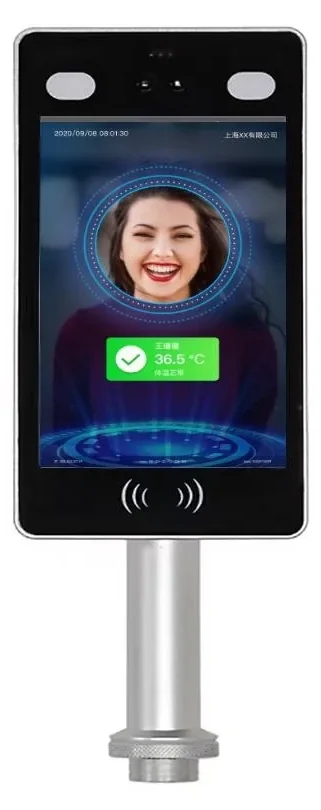
8-Inch Face Recognition Terminal
50,000 faces, 120 ms recognition and IP66 protection for busy entrances.
View details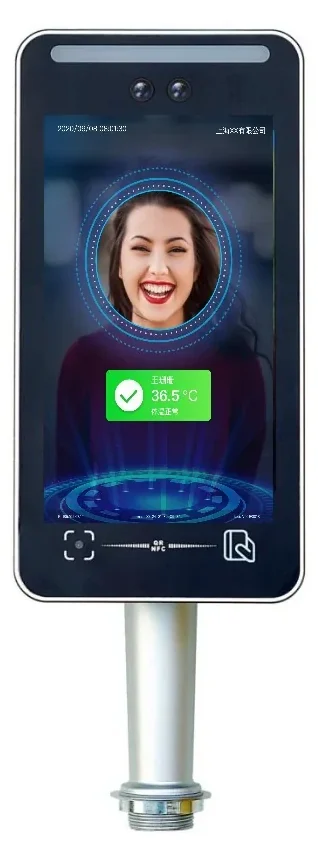 Face Recognition
SW-HA-8EZI
8-Inch QR & Face Access Terminal
Face, QR code, card and ID verification in one 8-inch terminal.
View details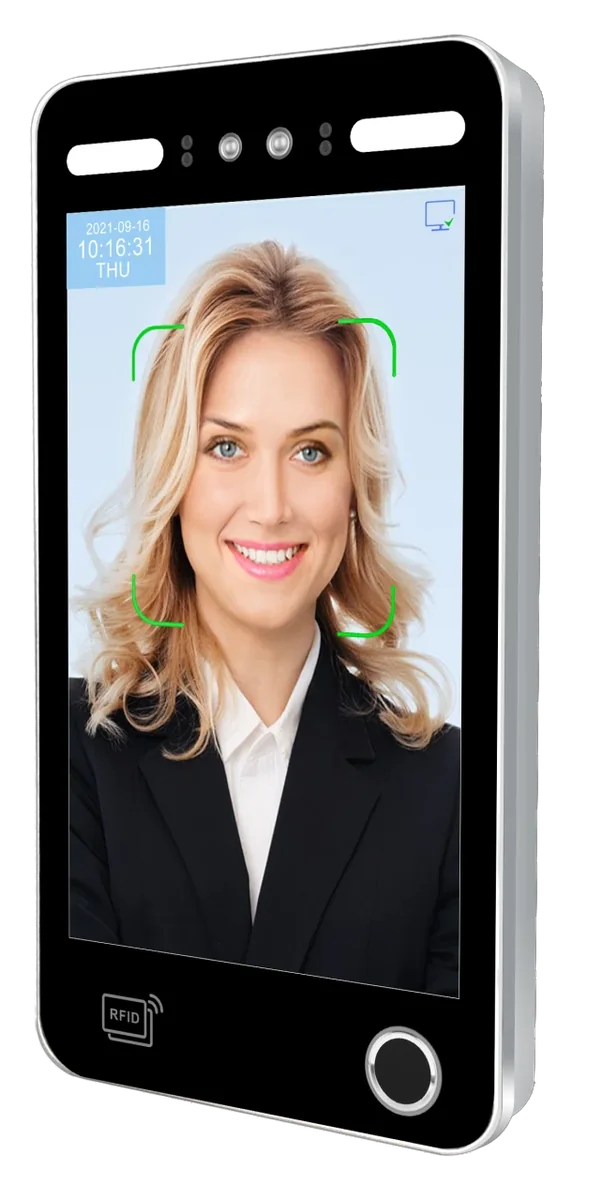 Face Recognition
TM-AI08FW
8-Inch Multi-Biometric Access Terminal
Face, fingerprint, card and password with a 50,000-face / 100,000-fingerprint library.
View details