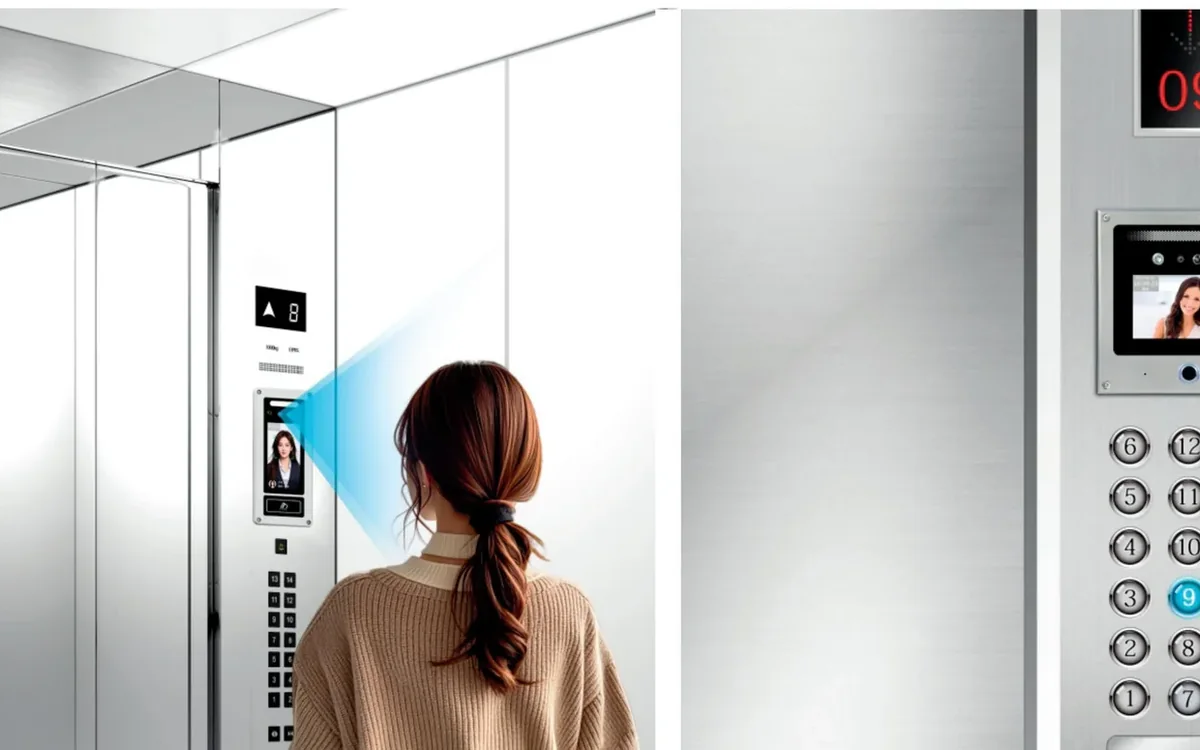
Wireless Intercom Retrofit: Replace an Old System Without Rewiring
How wireless and low-wiring intercom retrofits work in existing buildings — what “wireless” really means, when it fits, and the survey checks before replacing an old system.

In short
How wireless and low-wiring intercom retrofits work in existing buildings — what “wireless” really means, when it fits, and the survey checks before replacing an old system. Reference points: TUYA TY75T-HTD2, IP TY101T-HTD2, MC-526R15U-10.
The phrase “wireless intercom” sounds like a system with no cable. In an existing building, that is rarely true. The door station still needs power, the signal still needs a path, and the old wiring often decides which product can be used.
This guide explains what wireless and low-wiring retrofits can actually do, and when a 2-wire or IP system is the better answer.
What “wireless” actually means
There are three common retrofit patterns:
- Wi-Fi door station. The door station connects to the building Wi-Fi and the resident answers on a phone or an indoor monitor. Power is still needed at the door.
- 2-wire kit with a wireless bridge. The existing two-core cable carries power and signal to the apartment, and a bridge connects the system to the network.
- Wireless call button or gateway. A small transmitter triggers an existing chime or app. This is common for a villa gate or a single door, not for a full apartment building.
Ask the supplier which part is wireless. If the answer is “the app”, the door still needs power and a network path.
When a wireless retrofit works
A wireless retrofit is a good fit when:
- The building cannot be re-cabled without damaging finishes.
- The number of apartments is small to medium.
- The door has a power point or a nearby supply.
- The Wi-Fi coverage reaches the door and the apartments.
- The old system is beyond repair and the client accepts a new app or monitor.
It is also a good fit for a villa, a small office or a single entrance where the cable route is the main cost.
When it does not
A wireless retrofit is a poor fit when:
- The building is large and the Wi-Fi cannot be controlled.
- The door is in a basement or a concrete riser with no signal.
- The client insists on keeping the old indoor monitors.
- The site needs a guard station and a multi-door call queue.
- The power at the door is not available and cannot be added.
In these cases, a 2-wire kit or an IP system is usually more reliable.
Survey the old system
Before choosing a product, record:
- The old door station and indoor monitor models.
- The cable type and the number of cores.
- The cable condition at the door, the riser and the apartment.
- The power at the door and at the monitor.
- The lock type and the release method.
- The Wi-Fi coverage at the door and inside the apartments.
- The number of apartments and the guard station requirement.
Photograph the labels, the terminals and the cable. A retrofit quote without these details is a guess.
Power and network at the door
The door station is the hardest part. It needs power, a network or radio path, and a dry contact or relay for the lock. If the existing door station has a two-core cable and a local power supply, a 2-wire kit may reuse it. If the cable is damaged or the power is missing, the retrofit becomes a cabling project.
Do not assume the old doorbell transformer can power a video station. Check the voltage, the current and the location.
Retrofit options comparison
| Option | Signal path | Power at door | Best for | Main risk |
|---|---|---|---|---|
| Wi-Fi door station | Building Wi-Fi | Required | Villa, small office, single door | Weak signal, IT policy |
| 2-wire kit | Existing copper pair | From the kit or local supply | Apartment retrofit with good cable | Cable condition and distance |
| IP kit | Cat5e/Cat6 or fibre | PoE or local supply | New build, multi-building | Network design |
| Wireless bridge + 2-wire | Radio or Wi-Fi link | Required | Buildings where the riser cannot be touched | Latency and interference |
Retrofit checklist
| Check | What to confirm |
|---|---|
| Old cable | Type, cores, condition and route |
| Door power | Voltage, current and location |
| Signal | Wi-Fi or radio coverage at the door |
| Apartments | Count, floors and monitor locations |
| Lock | Release type and power |
| Guard station | Master station and call queue |
| App | Local, cloud or no app |
| Access | Permission to enter apartments and risers |
Next steps
Send photos of the old door station, the cable terminals and the door power. Compare the residential community solution and the villa solution for the retrofit logic. The video intercom category lists the 2-wire and IP kits, the 7-inch IP door station and the 10-inch monitor show the endpoint options, and the model index covers the rest.
Contact our team or message us on WhatsApp with the photos. The product catalogue and the blog have related wiring and access control guides.
Frequently asked questions
Is there a true wireless intercom with no cable at all?
Can I keep the old indoor monitors?
Does a wireless intercom work in a concrete apartment building?
What is the difference between wireless and 2-wire?
How long does a retrofit take?
What should be measured before quoting?
Put the article’s decision order to work on your project
Related products
 Video Intercom
TUYA TY75T-HTD2
2-Wire Video Intercom Kit
Reuse two-core cable to add video entry without pulling new network cable.
View details Video Intercom
IP TY101T-HTD2
IP Video Intercom Kit
IP door entry for large residential complexes, long cable runs and high video quality.
View details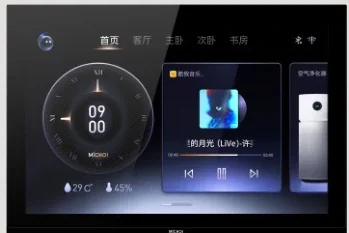 Video Intercom
MC-526R15U-10
10-Inch Ultra-Thin Indoor Monitor
A 10-inch wall-mounted monitor with video entry, smart-home options and a 12 mm profile.
View details